
Monthly vs. Annual Software Subscriptions: How to Compare
Monthly billing buys flexibility; annual billing increases commitment. Compare the same tier, seats, usage, overages, renewal terms, and switching risk before choosing.
- Desk
- Software Deals
- Checked
- Sep 2, 2026
- By
- My Deal Junction Buyer Desk
Monthly and annual software plans are not simply the same product with two payment schedules. The billing term changes commitment, switching flexibility, budget timing, and the cost of being wrong. A fair comparison starts by holding the product itself constant: same feature tier, same seat count, same usage assumptions, and the same add-ons.
Only after those variables match should you compare the effective annual cost. A cheaper annual rate can make sense for a stable workflow, while monthly billing can be more valuable when the team is still testing fit, headcount may change, or the product could be replaced. The goal is not to prove that one billing model is universally better; it is to price the uncertainty you actually have.
| Comparison point | Monthly plan | Annual plan |
|---|---|---|
| Commitment | Shorter commitment, easier to reassess | Longer commitment, less flexibility |
| Headline unit cost | Often higher on an equivalent tier | May be lower when the same tier is billed annually |
| Seat changes | Potentially easier to absorb if billing adjusts frequently | Can create unused commitment if seat needs fall |
| Switching risk | Lower if the product is still being evaluated | Higher if requirements change mid-term |
| Budget predictability | More frequent expense | Longer period locked into one commitment |
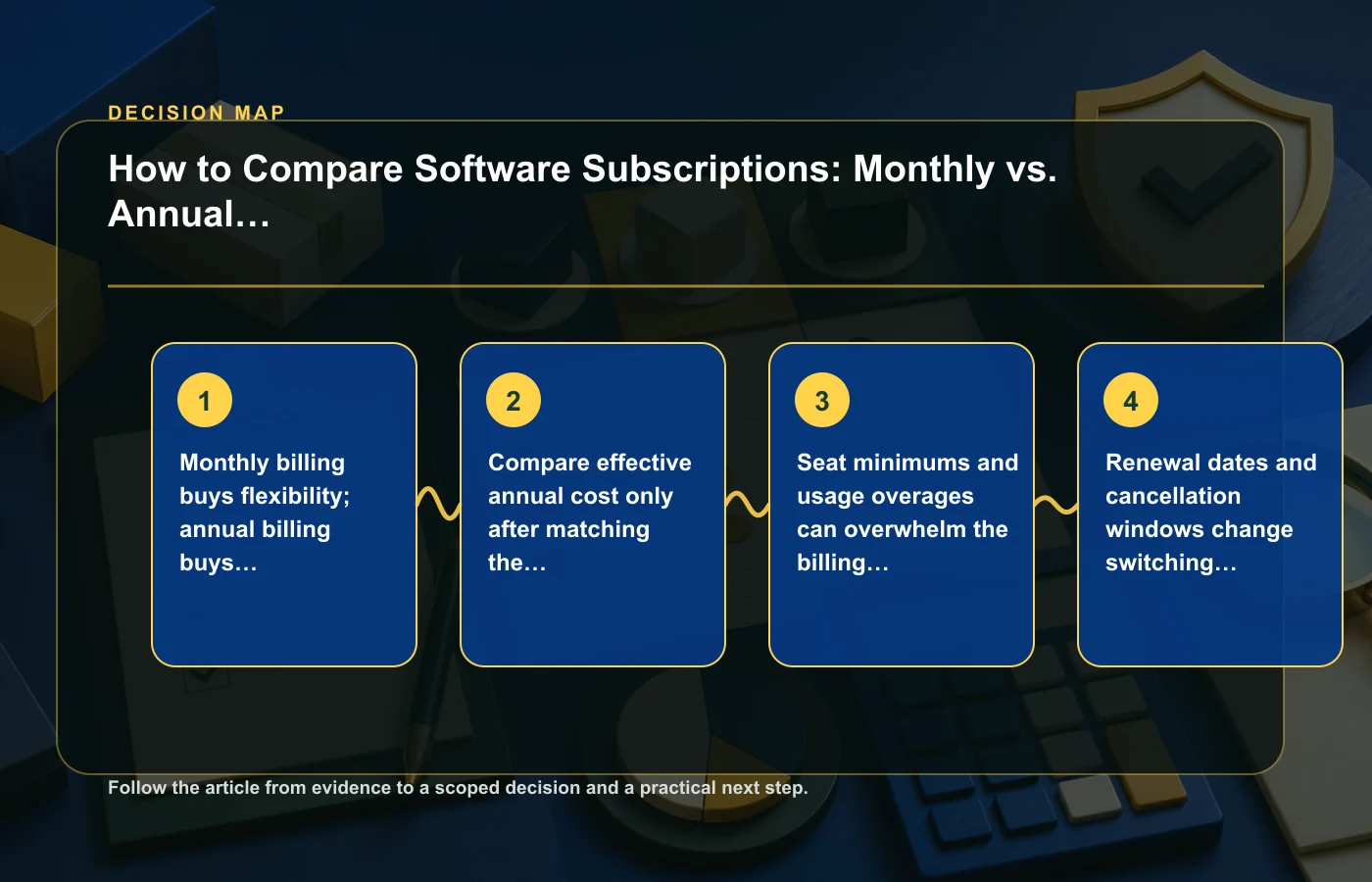
Monthly billing buys flexibility; annual billing buys commitment
The core tradeoff is straightforward: monthly billing usually gives you more frequent opportunities to change direction, while annual billing asks you to commit for longer. That commitment can be reasonable when the product is established in your workflow, but it can be expensive when the decision is still uncertain.
Before comparing prices, write down what might change during the next year. Headcount, required features, client needs, storage, usage volume, integrations, and internal processes can all move. The more likely those changes are, the more value flexibility has even if it does not appear as a line item on the pricing page.
Questions that expose commitment risk
- Is the product already proven in daily use?
- Could the team size increase or decrease materially?
- Are important features still being tested?
- Would switching require data migration or retraining?
- Do you expect the vendor or your own requirements to change?
If the product is still in evaluation, compare the cost of a few months of monthly billing with the risk of paying for a longer term you may not use. If it is already embedded in a stable workflow, the balance can move toward annual commitment.
Match the same tier before calculating annual savings
A pricing comparison is meaningless if the monthly and annual examples do not include the same capabilities. Some software pages emphasize a low annual-equivalent number while showing features, seat minimums, or usage limits elsewhere. Build the comparison from the same feature tier and usage profile on both sides.
Calculate the monthly plan over the same time horizon as the annual plan. Then add any required seats, usage charges, storage, support level, or add-ons that are part of your real deployment. The objective is not to create a perfect forecasting model; it is to prevent a billing-frequency discount from hiding a different product configuration.
A simple normalization worksheet
| Input | Monthly option | Annual option |
|---|---|---|
| Feature tier | Record exact tier | Record exact tier |
| Seats | Expected paid seats | Expected paid seats |
| Usage/storage | Expected level plus overage rule | Expected level plus overage rule |
| Add-ons | Required add-ons only | Required add-ons only |
| Commitment | Cancellation or change point | Renewal and cancellation terms |
If you are comparing several vendors at once, the software deals guides can provide additional buyer frameworks, but keep each pricing calculation tied to the exact vendor terms you are considering.
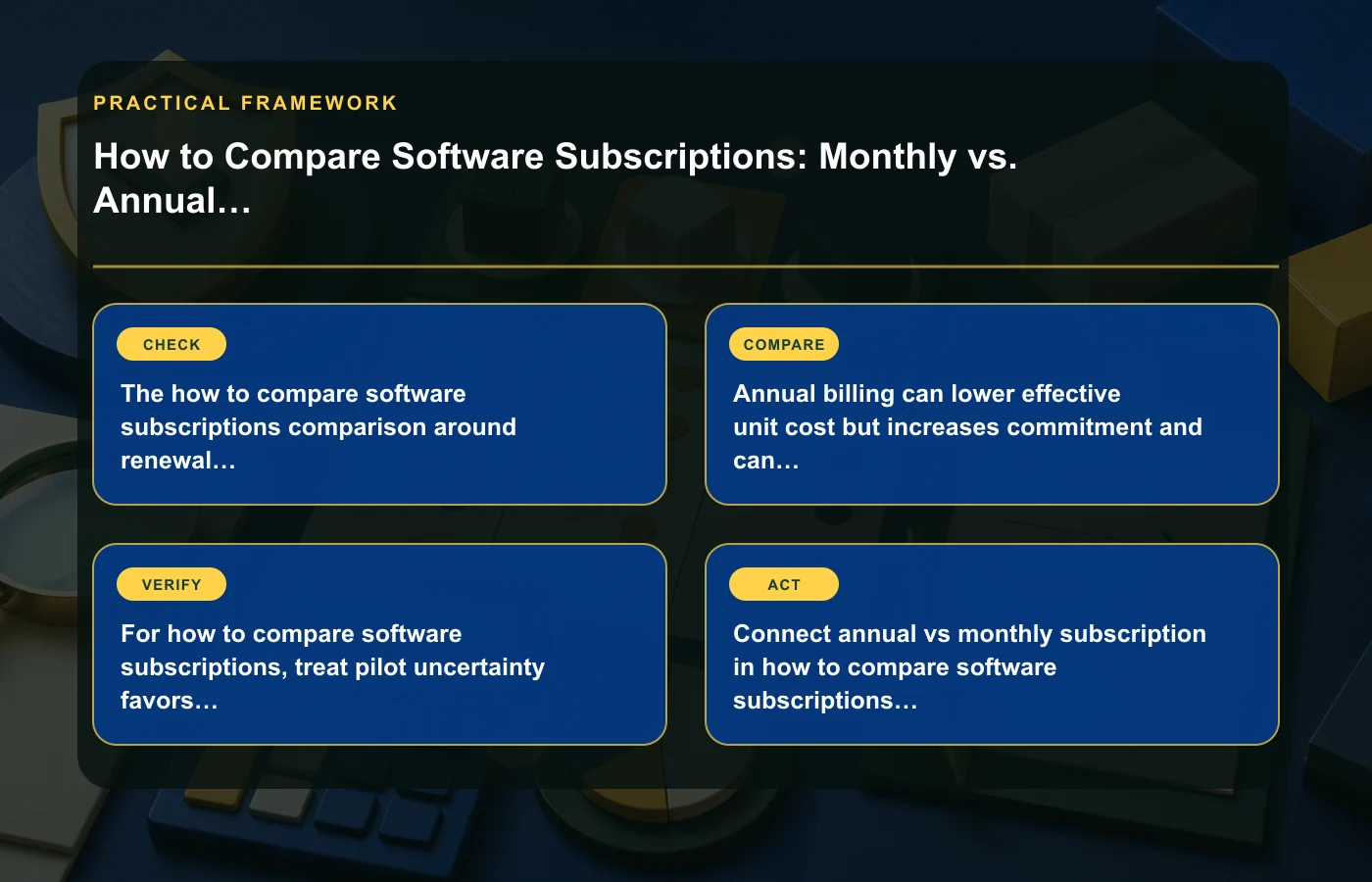
Seat minimums and usage overages can erase the billing discount
The percentage difference between monthly and annual billing may be less important than what happens when your account crosses a threshold. Seat minimums, storage limits, API usage, transaction volume, support tiers, or other metered features can change the effective cost much faster than the billing cadence does.
Use your expected usage, not the most flattering "starting at" scenario. If the plan requires more seats than you currently need, count the committed seats. If overages are possible, note the threshold and how charges are calculated. If an add-on becomes mandatory once the team grows, include it in the scenario where that growth occurs.
Model at least two usage cases
Create a base case for normal expected use and a higher-use case for a plausible busy period or team expansion. You do not need to predict the future exactly; the exercise shows whether the annual discount remains meaningful once real usage changes.
- Current seat count.
- Plausible seat count later in the term.
- Current storage or usage.
- Likely threshold that triggers a higher tier or overage.
- Add-ons that become necessary at scale.
A plan that is cheaper only under an unrealistically low usage assumption is not necessarily the cheaper plan for your organization.
Renewal dates and cancellation windows change switching risk
Annual billing can create a renewal event that matters operationally. If cancellation must occur before a particular date, or if the contract renews automatically under specific terms, those details should be in the buying comparison from the start. The headline annual rate does not describe what happens if you miss the window.
Monthly plans can also have renewal and cancellation rules, so do not assume "monthly" means instant termination or prorated refunds. Read the current vendor terms and record the next decision point. For a team purchase, assign an owner to that date rather than relying on someone to remember it later.
Put contract dates on the same page as prices
- Initial commitment start and end.
- Automatic-renewal behavior.
- Cancellation deadline.
- Notice method required by the vendor.
- What happens to data or access after cancellation.
The freemium-versus-free-trial guide covers the evaluation stage; this subscription comparison picks up where evaluation ends and commitment begins.
Pilot uncertainty favors shorter commitments
When a product is new to the team, the biggest cost may be choosing the wrong tool rather than paying a slightly higher monthly rate. A short commitment gives you more information before you lock in a longer term. During the pilot, test the workflows that would be painful to change later: integrations, export, permissions, collaboration, reporting, and administration.
Set success criteria before the pilot starts. Otherwise, a team can drift into annual commitment simply because the trial or first few months felt "fine." Define what the software must do, who must be able to use it, and which limitations would make you switch.
Useful pilot evidence
- Can the team complete the core workflow without workarounds?
- Do permissions and collaboration match the real operating model?
- Can required data be imported and exported acceptably?
- Are usage limits visible and predictable?
- Is administration manageable for the person who will own the tool?
If several critical questions remain open, the annual discount should be weighed against that uncertainty, not compared only with twelve monthly payments.
Stable workflows can justify a longer term
Annual billing becomes easier to justify when the product is already proven, usage is predictable, the required tier is stable, and switching is unlikely during the term. In that situation, commitment risk is lower because you have evidence from actual use rather than assumptions from a sales page.
Even then, recheck the configuration before renewing. Teams add users, remove users, change integrations, and accumulate unused add-ons. A plan that was appropriate last year can become oversized. Treat renewal as a fresh purchasing decision rather than an administrative default.
Annual commitment is strongest when four things are true
- The workflow is established and important.
- The team expects to keep the tool for the full term.
- Seat and usage needs are reasonably predictable.
- The annual configuration is genuinely equivalent to the monthly alternative.
If any of those conditions is weak, quantify the flexibility you would give up before committing.
Calculate the cost of a wrong decision
Software pricing comparisons often stop at the subscription total, but switching can involve exported data, new configuration, retraining, integration work, and temporary disruption. The source material does not provide universal values for those costs, so do not invent them. Instead, classify the switching burden as low, medium, or high for your own workflow.
If switching would be trivial, annual commitment is less dangerous. If changing tools would interrupt important processes, the purchase deserves more validation before a long term. This is why "cheapest per month" and "lowest-risk choice" are not always the same answer.
Separate cash timing from economic cost
An annual plan can require a larger payment earlier even when its effective monthly rate is lower. A monthly plan spreads the cash out but may cost more over the same period. Those are different questions. One is about when money leaves the budget; the other is about the total cost of the service under equivalent assumptions.
For a small team or a project with uncertain funding, payment timing can matter as much as nominal savings. For an established budget with predictable use, prepaying may be easier to absorb. Do not call one option "cheaper" without specifying whether you mean total committed spend, monthly cash flow, or expected cost under a scenario.
Put three numbers beside each plan
- Total committed spend over the comparison period.
- Largest single payment or billing interval.
- Cost if the team stops needing the product earlier than expected.
The third number is often the one missing from simple pricing tables. If an annual commitment cannot be cancelled or refunded under the current terms, unused months may represent the cost of a wrong forecast rather than a discount.
Assign ownership for renewals and plan changes
Subscription waste often develops because the person who chose the tool is no longer the person watching seats, usage, and renewal dates. Before committing, decide who owns the subscription after purchase. That owner should know where billing terms are stored, when the next renewal decision occurs, and who can approve changes.
A lightweight review before renewal can catch unused seats, redundant add-ons, a tier that no longer fits, or a product that has been replaced in practice. This turns the annual decision into a managed commitment rather than a one-time procurement event.
Also save a snapshot of the pricing page or quote used for the decision. Subscription terms can change, and later reviews are easier when you can see which tier, seat assumptions, billing frequency, and renewal rules supported the original purchasing choice for renewal.
Keep that record with the contract so future reviewers can see the original assumptions clearly.
FAQ: Monthly vs. annual software subscriptions
Is annual billing always cheaper?
Not necessarily in effective terms. The annual headline rate may be lower, but you still need to match the same tier, seats, usage, add-ons, and commitment assumptions before comparing total cost.
When is monthly billing worth paying more for?
Monthly billing can be valuable when product fit, team size, usage, or requirements are still uncertain. The extra flexibility can reduce the cost of choosing the wrong tool.
What should I check before an annual renewal?
Recheck seats, feature tier, usage, add-ons, renewal date, cancellation window, and whether the workflow still depends on the product. Do not renew automatically just because last year's plan worked.
How should a team compare two vendors with different pricing models?
Normalize both offers to the same real-world scenario: required capabilities, seats, usage, support, and time horizon. Then compare cost and commitment risk separately.
How this page was prepared
Reviewed by My Deal Junction Standards Editor. Claims, terminology, and time-sensitive details were checked against the sources listed below and the page was last updated September 2, 2026.
AI-assisted tools supported research organization or drafting; editorial review remained responsible for source selection and the published conclusions.
Sources and verification
Primary and authoritative references used to verify this article: