
Home Security Camera Buying Guide: Privacy and Coverage
Start with the area you need to monitor, then compare storage, power, image conditions, privacy, account security, and notification controls. This guide turns those factors into a practical camera checklist.
- Desk
- Home & Lifestyle
- Checked
- Aug 28, 2026
- By
- My Deal Junction Buyer Desk
A home security camera should be chosen around a coverage problem, not around the longest specification list. Start by deciding what you need to see: a doorway, driveway, room, yard, or wider perimeter. Then work backward through placement, field of view, lighting, storage, power, privacy, account security, and notifications. Those factors determine whether the camera will actually produce useful footage and whether you are comfortable with how it is stored and accessed.
Connected cameras are also networked devices. CISA recommends basic home-network practices such as changing default credentials, applying updates, and protecting router and device access. NIST consumer-IoT guidance likewise treats security and privacy as part of the product decision, not as an afterthought to image quality.
| Buyer question | What to verify | What can go wrong |
|---|---|---|
| What area must be covered? | Placement, lens, field of view, lighting | A high-resolution camera may still miss the relevant angle |
| Where is footage stored? | Local vs. cloud storage, retention, access rules | Unexpected subscription cost or privacy tradeoff |
| How is the camera powered? | Battery, wired power, charging, outage behavior | Recording gaps or impractical installation |
| How is the account protected? | Passwords, updates, shared access, security settings | More people or devices can access footage than intended |
| How are alerts controlled? | Zones, sensitivity, schedules, notification options | Too many false alerts make the system easy to ignore |
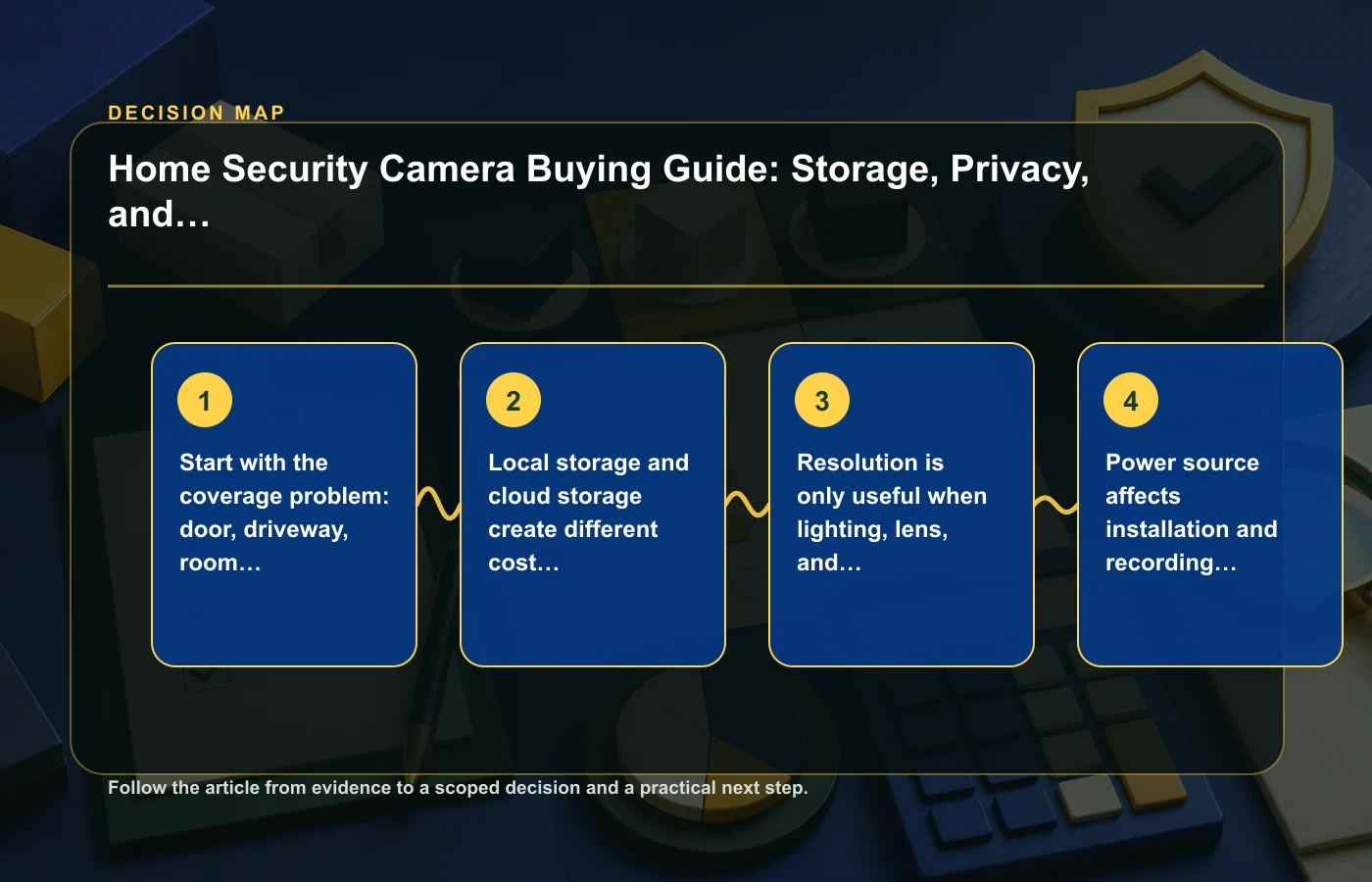
Define the coverage problem before choosing a camera
A camera for a front door has a different job from one watching a driveway or a large interior room. Before comparing models, stand where you expect to mount the camera and identify the specific area that must be visible. Think about the approach path, likely subject distance, lighting changes, and anything that could block the view.
This step keeps resolution and feature comparisons in context. A camera with impressive specifications cannot compensate for a poor angle, an obstructed view, or a lens that does not frame the area you care about. If the camera needs to identify activity at a particular point, make that point the center of the decision.
Make a coverage sketch
- Mark the intended camera position.
- Mark the area or entry point you need to monitor.
- Note daytime and nighttime lighting.
- Identify walls, trees, vehicles, furniture, or other likely obstructions.
- Decide whether you need a wide overview, a narrower identification zone, or both.
If you are comparing other household devices that depend heavily on layout, the robot vacuum buying guide uses the same "fit the environment first" logic.
Local and cloud storage create different tradeoffs
Storage is not just a capacity question. It affects ongoing cost, internet dependence, retention, remote access, and privacy. Local storage may keep more data inside the home but can require you to manage media and physical access. Cloud storage can simplify remote viewing and off-site retention but may depend on an account, internet connection, and plan terms.
Do not assume that "local storage" means no cloud connection or that "cloud" means every feature requires a subscription. Read the exact model and service documentation. The useful questions are where clips are stored, how long they remain available, what happens if the internet connection fails, and which features depend on a paid plan.
Questions to answer before purchase
- Can the camera record without an active subscription?
- Where are clips stored by default?
- How is old footage overwritten or deleted?
- Can recordings be exported?
- What happens to recording when internet access is interrupted?
- Who can access stored footage through the account?
NIST's consumer-IoT framing is useful here because it reminds buyers that a camera is both an imaging device and a connected data system. The storage decision should reflect both convenience and privacy.
Resolution only helps when lighting, lens, and placement support it
Resolution is easy to compare because it appears as a simple number, but useful footage depends on more than pixel count. Lens choice, camera distance, lighting, motion, compression, and viewing angle all influence what the image can show. For a buying decision, ask whether the complete setup supports the identification task you defined at the start.
If the target area is poorly lit or too far from the intended mounting point, a higher resolution claim may not solve the problem. Likewise, an extremely wide field of view can give useful context while making a smaller subject occupy less of the frame. There is no single specification that replaces a placement check.
Compare the whole imaging chain
Use the manufacturer's sample diagrams, field-of-view information, night-vision description, and placement guidance when available. Do not infer real-world identification performance from resolution alone. If an essential lighting or distance condition is not documented, treat that as uncertainty rather than a reason to assume the best-case result.
For adjacent home-purchase planning, the home and lifestyle guides provide other examples of comparing products by operating environment rather than one headline feature.
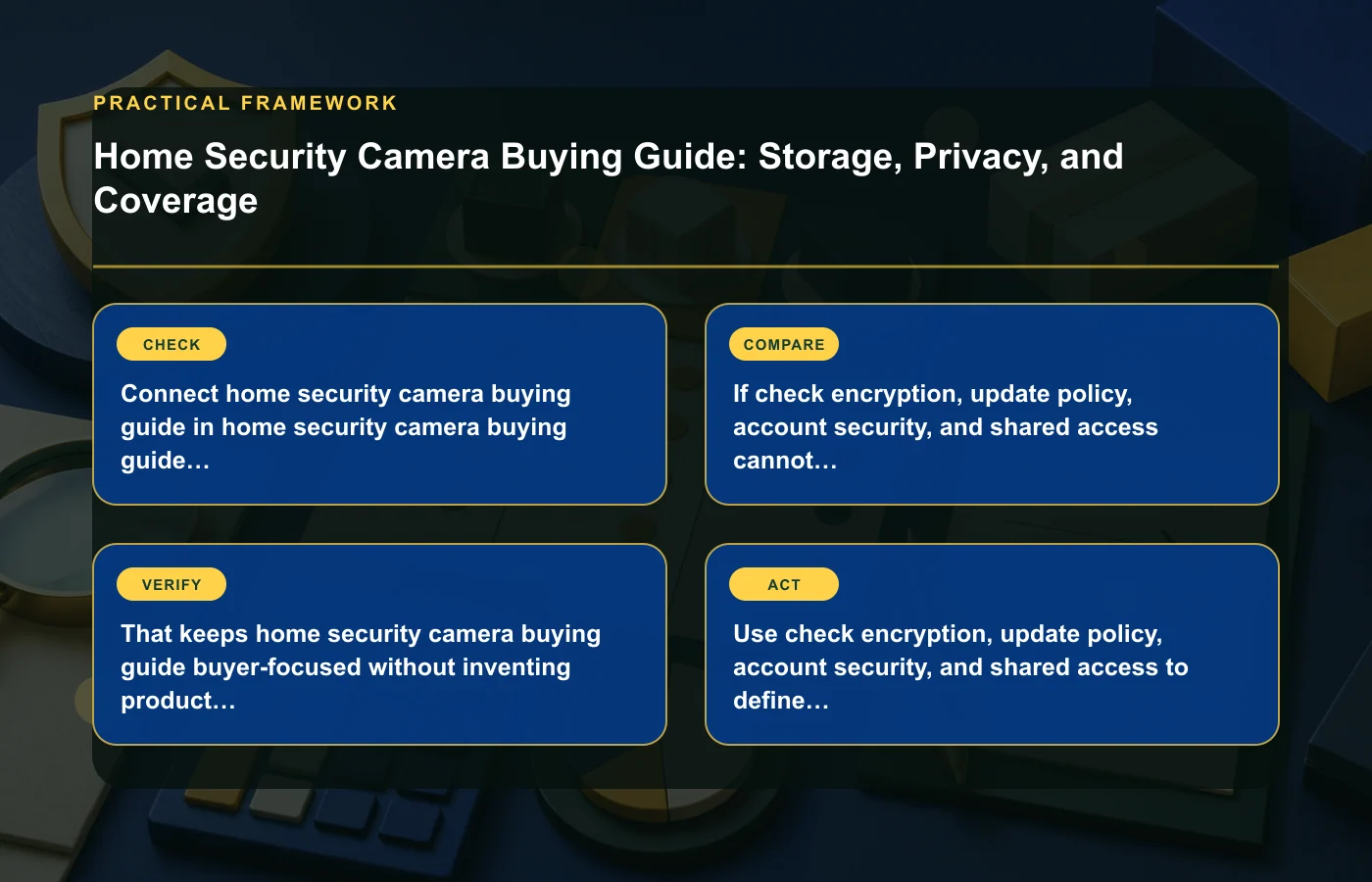
Power source affects installation and recording continuity
A battery camera, plug-in camera, and hardwired camera create different installation and maintenance requirements. The right choice depends on where power is available, how often you are willing to recharge or service the device, and how important continuous operation is for the location.
Battery power can simplify placement, but battery condition and charging become part of ownership. Wired power can reduce charging work, but outlet location and cable routing may limit where the camera can be installed. Before buying, check the model's power requirements and what happens when power or network connectivity is lost.
Plan the installation on paper
- Choose the intended mounting point.
- Confirm that the power method works at that location.
- Check whether cables or charging access remain practical after installation.
- Review any weather or indoor/outdoor requirements for the placement.
- Decide how you will notice and recover from a power or battery interruption.
Do not let an easy installation on day one create a maintenance problem later. A camera that must be removed frequently for charging may be a poor fit for a hard-to-reach mounting point even if the initial setup is simple.
Security, updates, and shared access belong in the purchase decision
A home camera can expose live video, recordings, account details, and notification data. That makes account security and device support core product criteria. CISA's home-network advice—changing default credentials, applying updates, and protecting router and device access—gives a useful baseline for setup.
Before buying, look for clear information about software updates, password and account controls, shared-user access, and any available security settings. If several household members need access, check whether the system supports separate users or requires shared credentials. Shared access should be deliberate rather than improvised after installation.
A basic connected-camera security checklist
- Change default credentials where applicable.
- Use a unique account password.
- Enable stronger account-protection options when the service provides them.
- Keep device and app software updated.
- Review who has access after household or staffing changes.
- Remove old devices or accounts that no longer need access.
The source material does not establish that every product implements the same security controls, so verify the exact service rather than assuming a feature exists because it is common elsewhere.
Notifications need zones and sensitivity controls to stay useful
A camera that sends an alert for every movement can become background noise. The goal is not the largest number of notifications; it is a notification system you can understand and continue to pay attention to. Activity zones, sensitivity settings, schedules, and event filters can therefore matter as much as raw detection capability.
Think about what regularly moves through the scene: traffic, trees, pets, people, shadows, or indoor activity. Then check what controls the camera provides for narrowing alerts. A model that cannot distinguish the area you care about from constant irrelevant motion may be frustrating even if its recording quality is otherwise acceptable.
Test the alert logic during the return period
Once installed, review a normal day of notifications and adjust the settings systematically. Change one variable at a time—zone, sensitivity, schedule—so you know which setting improves the signal. If the camera still produces an unusable stream of alerts or misses the events you bought it to detect, that is a functional fit issue worth addressing while return options remain available.
The air purifier buying guide covers a different product category but uses the same principle: a specification is only useful when it supports the way the device will actually be used.
Build a privacy and ownership checklist before ordering
Security cameras are unusual household purchases because product performance and data handling are tightly connected. Before checkout, write down your requirements for coverage, storage, power, account access, and notifications. Then reject any option that leaves a must-have requirement unclear.
| Must decide | Your note |
|---|---|
| Coverage target | What exact area or event must be visible? |
| Storage preference | Local, cloud, or either; required retention and export needs |
| Power method | What installation and maintenance are acceptable? |
| Privacy boundary | Who should have access to live view and recordings? |
| Alert tolerance | Which events deserve a notification? |
This makes the buying decision easier to audit. If one camera is cheaper but requires a storage model you do not want, or another has better image specifications but weakly documented update support, the tradeoff is visible instead of hidden behind a feature score.
Verify the exact offer, not the product family
Camera families often contain several closely related versions, and storage or service features can depend on the exact model, bundle, or plan. Before checkout, confirm that the product page you are reading describes the same hardware and service combination that appears in the cart. A comparison built from one version's specifications and another version's subscription terms is not reliable.
Save the current listing, included accessories, storage terms, and return policy. If a feature such as local recording, shared access, or a notification control is essential, verify it in the manufacturer or service documentation rather than relying only on a reseller summary. For security and privacy questions, use the responsible product documentation and relevant public guidance rather than assumptions drawn from another camera brand.
- Hardware: exact model and included mounting or power accessories.
- Storage: what works locally and what depends on a service plan.
- Account: who can be invited and which access controls are available.
- Support: update information and current app or service requirements.
- Transaction: seller, return terms, and warranty details.
Finally, decide which uncertainties are acceptable. A feature that is convenient but unverified may be tolerable; an unclear storage path or account-security requirement may not be. Label each unknown as "acceptable," "needs confirmation," or "deal breaker." That prevents a visually impressive camera from winning the comparison while an important privacy, installation, or continuity question remains unresolved.
FAQ: Home security cameras
Is cloud storage necessary for a security camera?
Not universally. Some systems offer local storage, some rely more heavily on cloud services, and feature availability can differ by model. Verify what the exact camera can do with and without a plan.
Is higher resolution the most important specification?
No. Resolution matters only in combination with lens, lighting, distance, placement, and the area you need to identify. Start with the coverage problem, then use resolution as one part of the imaging decision.
What security steps should I take after setup?
Follow current device and network guidance: change default credentials where applicable, use unique account credentials, apply updates, and review shared access. Check the camera's own documentation for the controls it supports.
Should I choose battery or wired power?
Choose the method that fits the mounting location and maintenance you can realistically support. Battery can increase placement flexibility; wired power can reduce charging work. Neither is automatically better for every installation.
How this page was prepared
Reviewed by My Deal Junction Standards Editor. Claims, terminology, and time-sensitive details were checked against the sources listed below and the page was last updated August 28, 2026.
AI-assisted tools supported research organization or drafting; editorial review remained responsible for source selection and the published conclusions.
Sources and verification
Primary and authoritative references used to verify this article: