
Smartwatch Buying Guide: Compatibility Before Features
Start with phone compatibility, battery rhythm, size, privacy, and the two features you will use weekly. Treat health claims with appropriate caution.
- Desk
- Home & Lifestyle
- Checked
- Aug 6, 2026
- By
- My Deal Junction Buyer Desk
A smartwatch is useful when it removes friction from a task you already do. Compatibility and charging rhythm decide that usefulness before the feature count does.
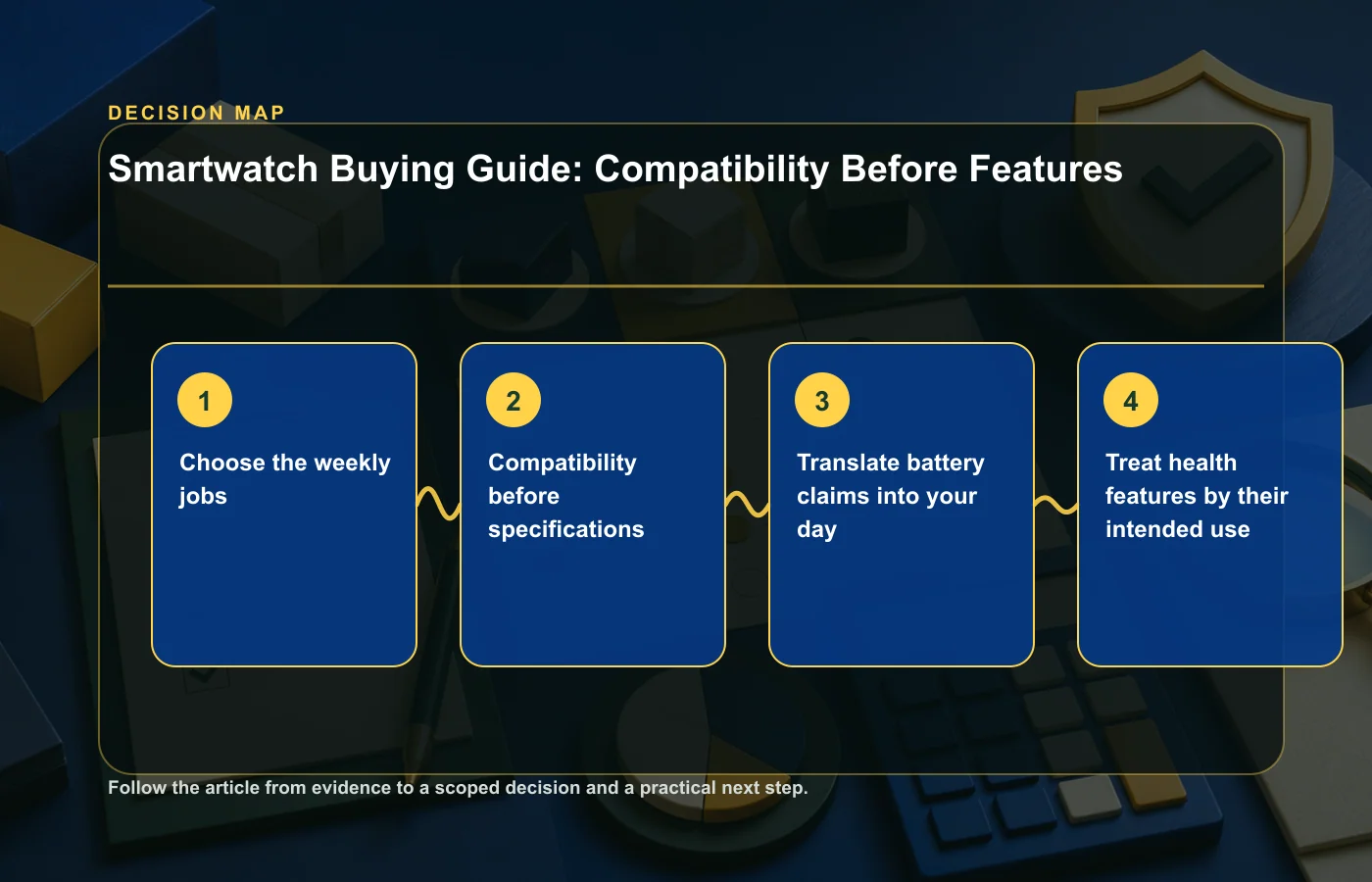
Choose the weekly jobs
Compatibility before specifications
- Phone and operating system.Check the exact phone model and OS version, not only Android or iPhone in general.
- Region and carrier.Cellular plans, payment services, maps, and some features vary by country and network.
- Accounts and apps.List required services and whether data can be exported or synchronized.
- Support horizon.Look for the maker's update policy, warranty service, and battery or repair options.
Translate battery claims into your day
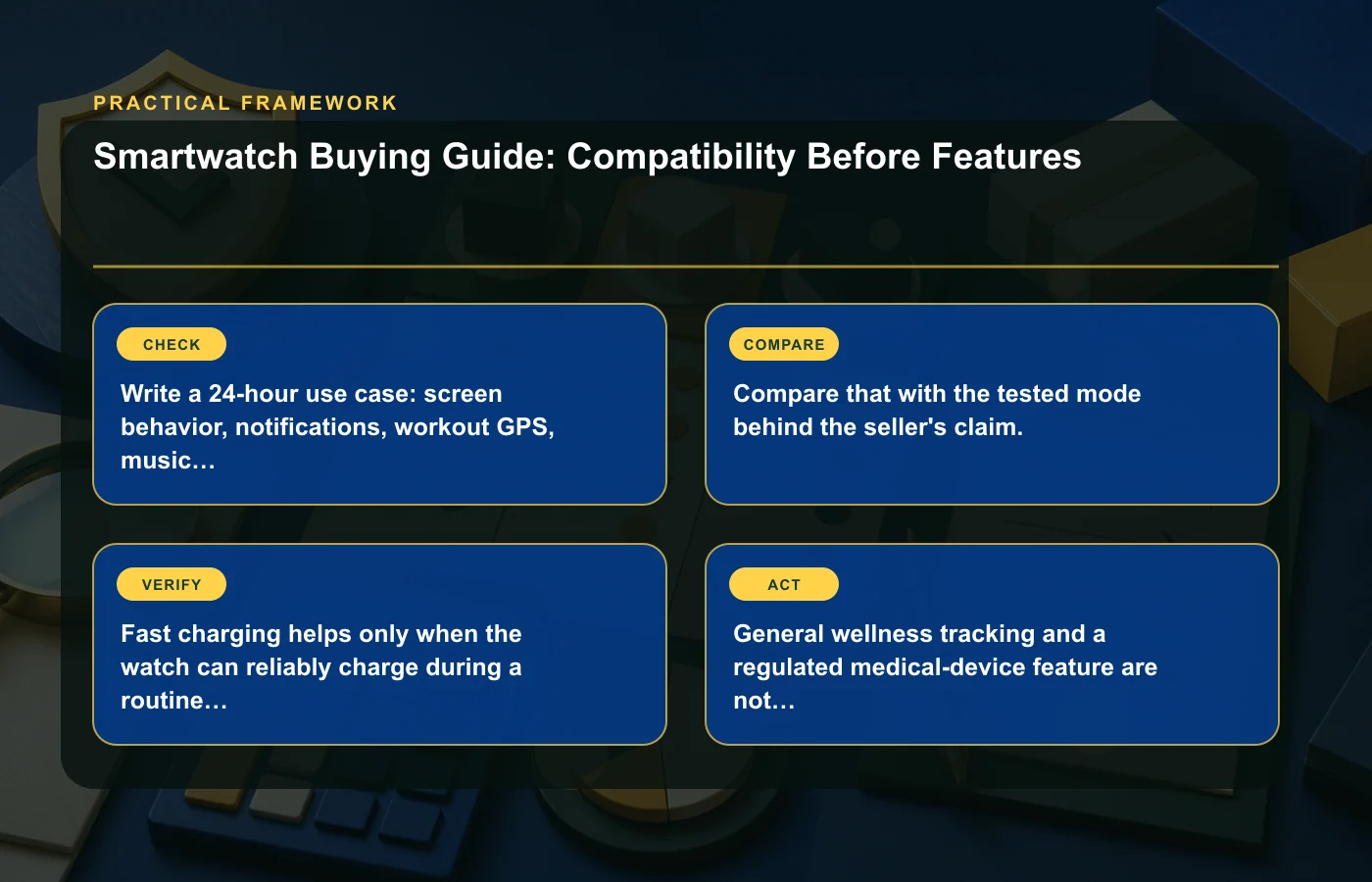
Write a 24-hour use case: screen behavior, notifications, workout GPS, music, calls, sleep tracking, and cellular time. Compare that with the tested mode behind the seller's claim. Fast charging helps only when the watch can reliably charge during a routine you already have.
| Decision | What to verify | Trade-off |
|---|---|---|
| Size | Case dimensions, thickness, weight, band range | Screen and battery versus comfort |
| Display | Outdoor visibility, always-on mode, controls | Readability versus battery use |
| Location | Onboard GPS, phone-assisted GPS, route export | Independence versus power draw |
| Durability | Water rating for the exact activity, glass, buttons | Protection versus bulk |
| Privacy | Collected data, cloud account, sharing, deletion | Personalization versus data exposure |
Treat health features by their intended use
General wellness tracking and a regulated medical-device feature are not interchangeable. Check the exact feature, watch model, country, labeling, and intended use. The FDA has specifically warned consumers not to use watches or rings that claim to measure or estimate blood glucose on their own; no such device has been authorized, cleared, or approved for that purpose.
Do not change medication or medical care based only on a consumer wearable reading. Discuss concerning readings or symptoms with a qualified health professional.
Final score
Score compatibility, two weekly jobs, comfort, charging fit, privacy, support horizon, and total price from zero to two. Do not compensate for a zero in compatibility or comfort with extra features. Read the condition checklist when considering a used wearable.
How this page was prepared
Reviewed by My Deal Junction Standards Editor. Claims, terminology, and time-sensitive details were checked against the sources listed below and the page was last updated August 6, 2026.
AI-assisted tools supported research organization or drafting; editorial review remained responsible for source selection and the published conclusions.
Sources and verification
Primary and authoritative references used to verify this article: