
Standing Desk Buying Guide: Fit, Stability, and Ergonomics
A standing desk should fit your seated and standing positions, equipment, room, and cable layout. Compare usable height range and stability before convenience features.
- Desk
- Home & Lifestyle
- Checked
- Sep 7, 2026
- By
- My Deal Junction Buyer Desk
A standing desk should fit the person and the workstation, not an "average user." The most important checks are height range, stability, desktop depth, frame clearance, and cable movement. Memory presets and other convenience features can be useful, but they do not fix a desk that cannot place the keyboard, monitor, and body in a workable position.
OSHA workstation guidance emphasizes adjustability and neutral working positions rather than one fixed ideal posture. That makes the desk's usable adjustment range the starting point. The right height also depends on the chair, footwear, input devices, and the way the workstation is arranged.
| Fit check | What to measure | Why it matters |
|---|---|---|
| Height range | Keyboard/elbow position while seated and standing | The desk must reach your usable positions, not a generic range |
| Stability | Desktop size, equipment load, maximum working height | Movement can increase as the desk extends |
| Depth | Monitor distance plus keyboard and work area | A shallow top can force a cramped setup |
| Frame geometry | Crossbars, legs, control box, accessory mounting | Hardware can conflict with knees, drawers, or mounts |
| Cable slack | Full travel from seated to standing | Short cables can pull, disconnect, or snag |
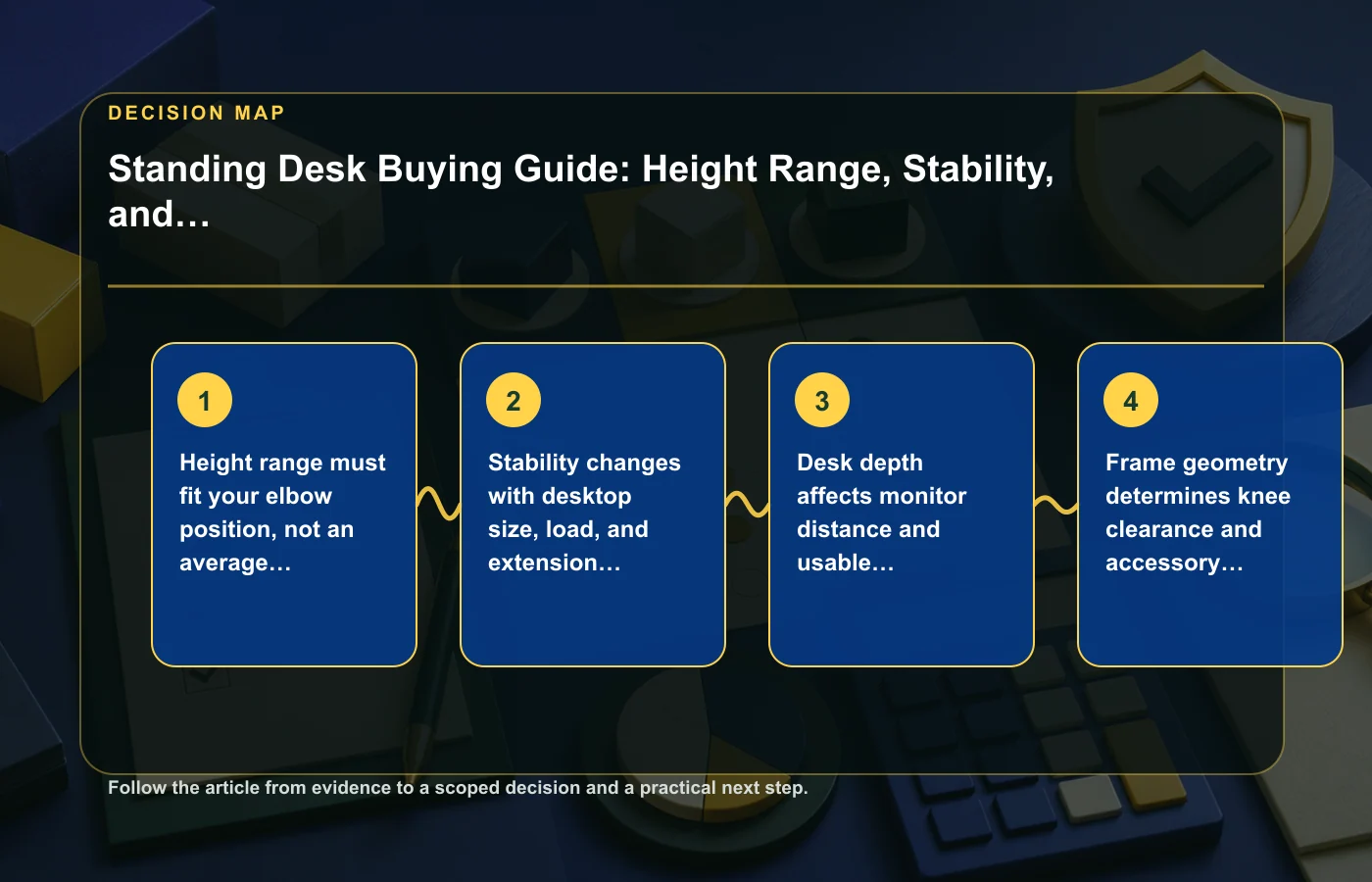
Height range must fit your elbow position
Desk specifications often highlight minimum and maximum height, but those numbers only matter if they cover your actual working positions. Measure where your keyboard and mouse need to sit when your shoulders are relaxed and your forearms are comfortably supported. Do the check both seated and standing.
OSHA guidance focuses on adjustability and neutral positioning, which is more useful than copying a single "correct" desk height. Your chair, footwear, keyboard thickness, and other equipment all change the final position. Buy for the complete workstation, not just your standing height.
Measure before ordering
- Set up your current keyboard and mouse at a comfortable seated height.
- Repeat the measurement while standing.
- Check whether the desk's published range covers both positions.
- Allow for the thickness of the desktop and any keyboard tray.
- If several people will use the desk, repeat the check for each user.
If a listed height range is unclear about whether it includes the desktop, verify the manufacturer's measurement method. A few centimeters of ambiguity can matter near the minimum or maximum end of the range.
Stability changes with size, load, and extension height
A desk can feel solid at seated height and less stable when raised. The effect can also change with a larger desktop, heavy monitors, monitor arms, or equipment placed far from the frame. A single stability claim therefore needs context.
Check the manufacturer's supported desktop dimensions and load guidance for the exact frame. Then compare those limits with the equipment you plan to use. Do not treat the maximum load rating as a complete stability score; capacity and movement are different questions.
Test the configuration you will actually use
If possible during the return period, place your monitor, keyboard, and normal accessories on the desk and test typing, mouse movement, and monitor vibration at your working standing height. The goal is not to eliminate every movement but to decide whether the motion is distracting for your use.
Other household products also depend heavily on geometry and layout; the robot vacuum guide uses the same principle of evaluating performance in the real environment rather than from one headline specification.
Desktop depth controls monitor distance and usable work area
Width gets most of the attention, but depth determines how easily you can place a monitor at a comfortable distance while keeping space for the keyboard, mouse, documents, or other work. A shallow desktop can force the screen closer than you prefer or push input devices toward the front edge.
Measure the footprint of the complete workstation. Include monitor stands or arms, speakers, docking equipment, laptop stands, and anything else that occupies depth. If a monitor arm clamps to the rear edge, make sure the frame or cable tray does not block the clamp location.
Think in zones
- Rear zone: monitors, mounts, power, and cables.
- Working zone: keyboard, mouse, writing space, and active devices.
- Front clearance: enough room to avoid crowding wrists or accessories.
A larger desktop is not automatically better if the room cannot accommodate it, so include wall clearance and walking space in the plan.
Frame geometry affects knee room and accessories
Two desks with similar outer dimensions can feel different underneath. Crossbars, control boxes, motors, legs, and support rails occupy space that product photos may not make obvious. Those components can interfere with knees, chair arms, drawers, keyboard trays, or under-desk mounts.
Review underside diagrams when available and compare them with the accessories you intend to install. If you use a clamp-on monitor arm, PC holder, drawer, cable tray, or other mount, identify the required attachment area before ordering.
Check both seated and standing clearance
Your body position changes as the desk moves. An obstacle that does not matter while standing may contact your knees while seated, and a chair arm can collide with a low frame component. Test the full range rather than judging clearance from one position.
The air purifier guide addresses a different home product, but it follows the same fit-first approach: placement constraints should be resolved before the feature comparison is complete.
Memory controls are convenient; adjustability is essential
Memory buttons can make it easier to switch between preferred heights, especially when more than one person uses the desk. They are a convenience layer. The ergonomic value still comes from being able to set the working surface to suitable positions in the first place.
Do not trade away usable height range or stability just to gain more presets. First make sure the desk can reach the required positions safely and consistently. Then compare controls, speed, display, or presets among the desks that already pass the fit test.
Choose controls by workflow
If you change position several times a day, a quick preset may remove friction. If the desk is adjusted rarely, manual controls may be sufficient. Multi-user households or shared offices can benefit from several saved positions, but only if the underlying range works for everyone.
Plan cable slack through the full travel range
A sit-stand desk moves the entire work surface while wall outlets, desktop computers, network equipment, and some peripherals may remain fixed. Cables that look tidy at seated height can become tight or snagged when the desk rises.
Raise the desk to its highest intended position and plan cable paths from there. Leave enough slack for movement without creating loops that can catch on the frame. Power strips mounted to the moving desk can reduce the number of cables that must travel all the way to the wall, but any mounting solution still needs to fit the exact frame and electrical setup.
Include every connection
- Desk power cable.
- Monitor power and video cables.
- Dock, laptop, or desktop computer connections.
- USB peripherals and chargers.
- Network or audio cables.
Run the desk slowly through the full travel range while watching every cable. If a connector becomes tight before the desk reaches the intended height, fix the route before regular use.
Build the desk around the whole workstation
A useful purchase plan starts with the user, then adds equipment and room constraints. Record seated and standing keyboard heights, desired desktop width and depth, monitor arrangement, expected equipment load, underside accessories, and available floor space. Any desk that fails one of those must-have conditions can be removed before you compare convenience features.
| Requirement | Your measurement or decision |
|---|---|
| Seated working height | Keyboard/input-device position |
| Standing working height | Keyboard/input-device position |
| Desktop footprint | Width × depth plus room clearance |
| Equipment | Monitors, arms, computer, accessories |
| Under-desk space | Knee clearance and planned mounts |
| Cable travel | Slack required at highest position |
For more home-product decision frameworks, see the home and lifestyle collection.
Do not confuse a standing desk with constant standing
Adjustability is valuable because it allows the workstation to change with the task and the user. The source material does not support a claim that one fixed sitting-to-standing schedule is ideal for everyone, so avoid buying on the assumption that the desk will automatically create a healthier routine. The practical benefit is that you can move the work surface to positions that fit different postures and activities.
Plan where the chair goes when you stand, whether the floor surface works for the desk feet, and how quickly you can switch without rearranging the entire workstation. If changing positions requires moving monitors, unplugging devices, or clearing accessories, the adjustable function may be used less often than expected.
Evaluate the transition, not just the endpoints
- Can the chair move out of the way easily?
- Do monitor angles remain usable at both heights?
- Does the keyboard or mouse move with the desk without cable tension?
- Do shelves, windowsills, or wall-mounted items interfere as the desktop rises?
- Is there enough room for other people to pass when the chair is moved?
A good sit-stand setup is one in which changing height is mechanically simple and does not create a new fit problem elsewhere in the room.
Use the return period as a fit test
Measurements eliminate many unsuitable desks, but they cannot fully predict how stable a frame feels with your equipment or whether the control and movement are comfortable in daily work. After assembly, verify the exact conditions that mattered in the purchase.
- Set the desk to your measured seated height and work normally.
- Raise it to your measured standing height with the full equipment load.
- Check typing and monitor movement at both positions.
- Run the desk through its full intended travel while watching cables and clearances.
- Confirm that mounts, drawers, chairs, and room obstacles do not conflict.
If an essential fit issue appears, treat it as a product mismatch rather than something you are obligated to tolerate because the desk technically reaches its advertised range.
Also recheck the manufacturer's assembly and support documentation before modifying the frame or drilling the desktop for accessories. A mounting choice that works physically may still interfere with service access, moving components, or the intended installation method. Keep any modification separate from the desk's stated configuration. Save the setup instructions and record how your accessories are attached so the installation can be reviewed later if service is needed.
FAQ: Standing desks
What height range should a standing desk have?
There is no one range for every user. Measure the keyboard and mouse position that works for you seated and standing, then choose a desk whose published adjustment range covers both positions.
Does a higher load rating mean a desk is more stable?
Not necessarily. Load capacity and stability are different. Stability can also depend on extension height, desktop size, equipment placement, and frame design.
Are memory presets important?
They can make frequent position changes easier, but they are secondary to usable height range and stability. A desk that cannot fit your working positions is not fixed by better controls.
What should I check before installing a monitor arm?
Check desktop thickness, rear-edge access, frame rails, cable trays, and the clamp or mounting requirements of the arm. Make sure the mount remains clear throughout the desk's travel.
How this page was prepared
Reviewed by My Deal Junction Standards Editor. Claims, terminology, and time-sensitive details were checked against the sources listed below and the page was last updated September 7, 2026.
AI-assisted tools supported research organization or drafting; editorial review remained responsible for source selection and the published conclusions.
Sources and verification
Primary and authoritative references used to verify this article: