
Portable Power Station Guide: Capacity, Output, Safety
Separate battery capacity from power output, then match real loads, charging options, ports, and safety checks. This guide also covers runtime planning and current recall verification.
- Desk
- Buying Guides
- Checked
- Sep 14, 2026
- By
- My Deal Junction Buyer Desk
A portable power station is easier to compare when you separate energy capacity from power output. Watt-hours describe how much energy the battery stores; watts describe how much power the unit can deliver to connected devices. A large capacity does not guarantee that a high-demand appliance can run, and a high output rating does not tell you how long a load will operate.
Safety belongs in the same decision. The source material notes that UL Solutions provides testing and certification services for portable power packs and battery systems, and that CPSC recall records show lithium-ion power products can be recalled for overheating and fire hazards. Buyers should therefore check credible certification and current recall information for the exact product rather than treating safety as a generic brand claim.
| Specification | Question it answers | Common mistake |
|---|---|---|
| Capacity (Wh) | How much stored energy is available? | Treating Wh as if it were maximum appliance power |
| Continuous output (W) | What sustained load can the inverter support? | Comparing only surge output |
| Surge output | Can short startup demand be handled? | Assuming a brief surge rating can be sustained |
| Solar input | How much charging power can the station accept? | Buying oversized panels that the input cannot use |
| Port mix | Can your devices connect without awkward adapters? | Counting ports without checking their individual limits |
| Safety status | Is certification credible and are recalls current? | Relying only on marketing wording |
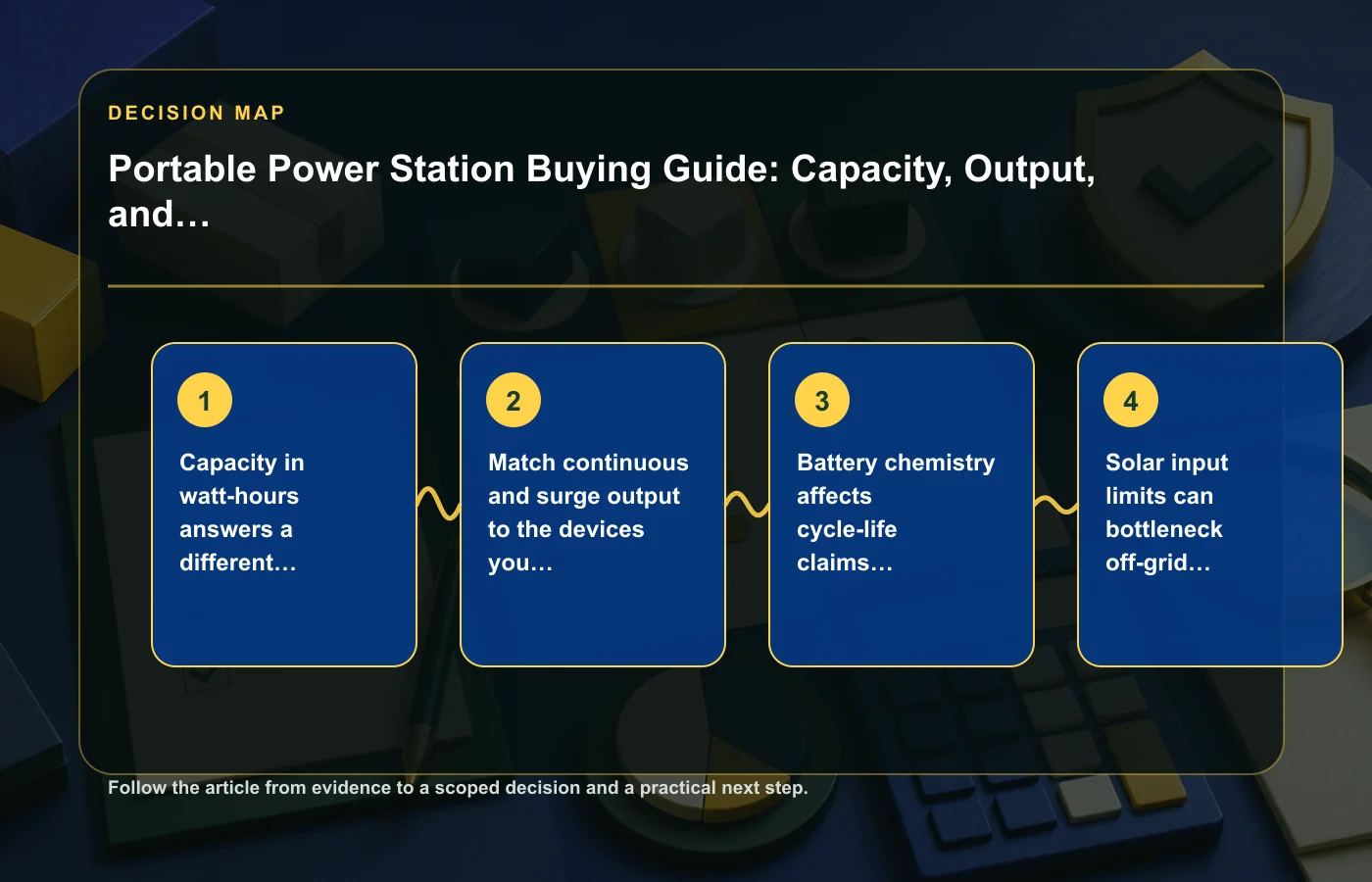
Capacity in watt-hours and output in watts answer different questions
Start with the devices you intend to power and how long you need them to run. Capacity in watt-hours is the energy budget. Output in watts is the power ceiling. Both must fit the scenario.
If a device draws more power than the station can continuously supply, a large battery capacity does not solve the problem. If the station can easily supply the load but has limited stored energy, it may run the device for less time than you need. Do not collapse these specifications into one "bigger is better" number.
Build the load list first
- List every device you may connect.
- Record the relevant power information from the device or manufacturer.
- Identify which devices may run at the same time.
- Separate ordinary operating demand from short startup surges where applicable.
- Decide how long the important loads need to operate.
The source material does not provide universal runtime percentages or conversion losses, so avoid inventing a precise runtime from capacity alone. Use the power station manufacturer's own runtime methodology when available and treat estimates as estimates.
Match continuous and surge output to real loads
Many electrical devices draw relatively steady power, while others can require a higher amount briefly when starting. That is why portable power stations often publish both continuous and surge output. The continuous figure should cover the sustained demand; the surge figure is relevant only to short startup behavior under the manufacturer's stated limits.
Do not add every label value in your home and assume they all run together. Build scenarios. One scenario might include communication devices and lighting; another might include a larger appliance plus smaller electronics. Compare the station with the combination you actually expect.
Use a concurrency check
Write down the maximum realistic set of devices that could be connected at once. Add their expected demands using reliable device information, then compare that total with the station's continuous-output specification. If a device has meaningful startup demand, verify the relevant surge capability separately.
Current recall information also belongs in this stage. CPSC records show that lithium-ion power products can be recalled for overheating and fire hazards, so confirm the exact model's status before purchase and again if safety concerns arise later.
Battery chemistry affects ownership tradeoffs
Battery chemistry can influence cycle-life claims, weight, thermal behavior, and the manufacturer's operating guidance. The source material does not establish one chemistry as universally best, so compare the exact station's documented specifications rather than relying on a shorthand such as "newer chemistry is always better."
Look at the manufacturer's cycle-life definition carefully. A cycle-life claim normally needs conditions and an endpoint to have meaning; do not compare two large numbers if the companies define them differently. The same caution applies to operating temperature and storage guidance.
Compare documented conditions
- Battery chemistry stated for the exact model.
- Cycle-life claim and the condition attached to it.
- Operating and storage temperature guidance.
- Warranty treatment of the battery system.
- Weight and portability for your use.
A station intended to stay in one room can tolerate different size and weight tradeoffs from one carried frequently for travel or field use.
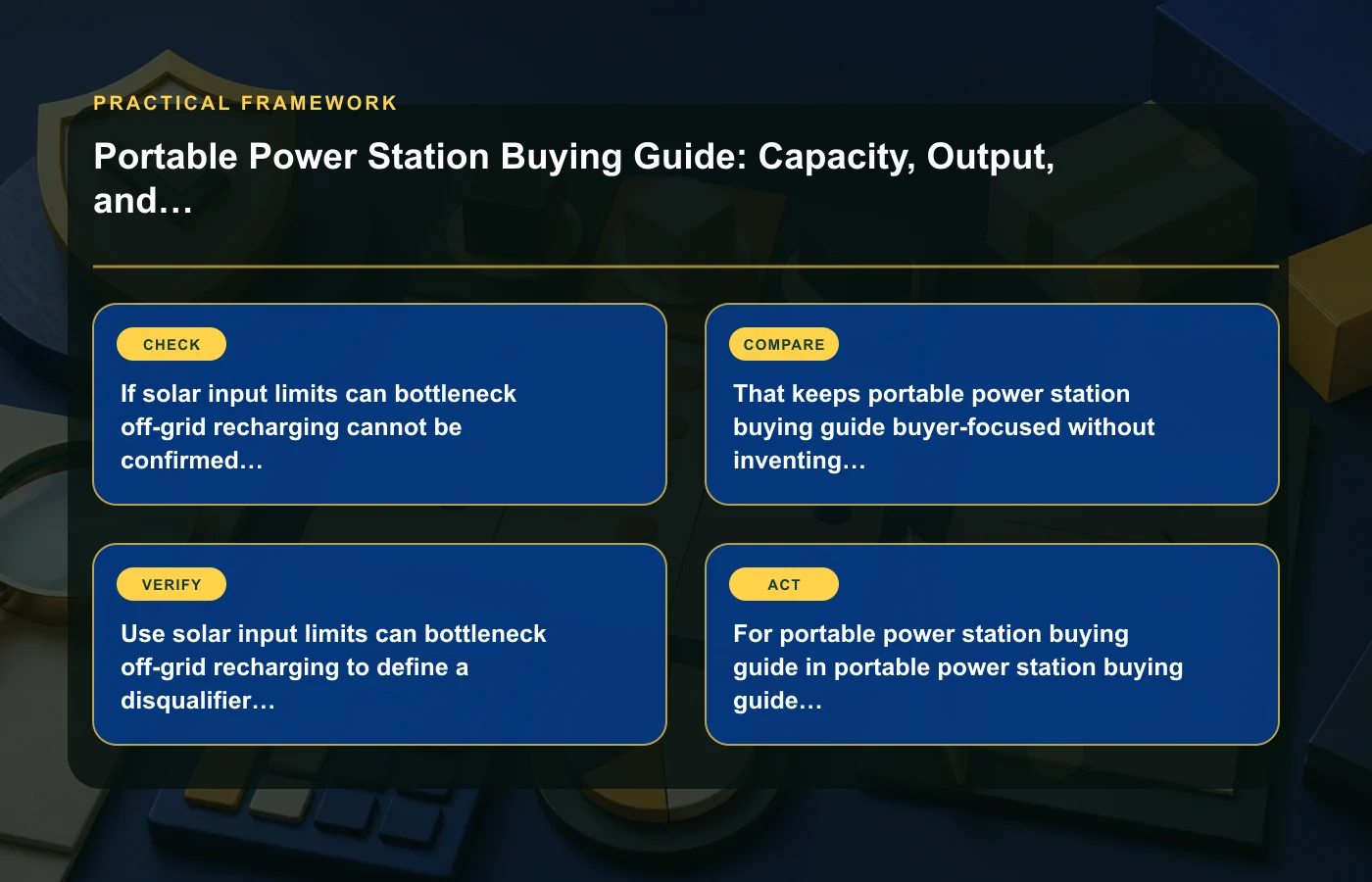
Solar input can bottleneck off-grid recharging
Solar panels do not automatically charge a power station at whatever total wattage is printed on the panels. The station has its own solar input limits, voltage/current requirements, and connector rules. Those limits can become the bottleneck.
Before buying panels or assuming an off-grid recharge plan, check the station's solar-input specification and the compatibility information for the panel configuration. An oversized array may still be useful under variable sunlight in some designs, but do not assume the station can accept all potential panel output.
Plan the charging chain
- Check the station's solar-input limits.
- Check the panel's electrical specifications.
- Confirm connector and adapter compatibility.
- Follow the manufacturer's allowed configuration.
- Treat real-world solar production as variable rather than guaranteed.
If off-grid charging is essential, make the solar input requirement a disqualifier before purchase. A large battery that cannot be recharged at the rate your use requires may be the wrong system.
Port mix and inverter behavior matter for real devices
A product page can show many outlets while hiding the fact that different ports have different limits or share a combined budget. Count the ports you need, but also check what each port can deliver and whether the arrangement physically accommodates your plugs and adapters.
For AC-powered equipment, read the inverter information relevant to your devices. The source material flags inverter behavior as a practical check but does not establish a universal compatibility rule for every appliance. When a load is important, verify it against manufacturer documentation rather than assuming that matching wattage alone guarantees operation.
Make a connection map
- Which devices require AC outlets?
- Which can use USB or DC directly?
- Which ports may be needed simultaneously?
- Do large power adapters block neighboring sockets?
- Are any port groups subject to combined limits?
This simple map can expose a station that has enough total output but an inconvenient or incompatible port layout.
For broader purchase verification, the buying guides collection uses the same approach of matching specifications to the exact use case.
Check credible safety certification and current recalls
Portable power stations combine high-capacity batteries, charging electronics, and power conversion in a product that may be used indoors, in vehicles, or around other equipment. Safety documentation should therefore be a purchase criterion, not a footnote.
UL Solutions provides testing and certification services for portable power packs and battery systems. Check the exact certification information claimed for the model and verify it through the responsible certification source when possible. Avoid assuming that a logo-like mark on a seller image proves certification.
Recall status is a separate check
CPSC recall records can identify products recalled for hazards such as overheating or fire. Search the exact brand and model before purchase, especially when buying older inventory or a used/refurbished unit. If the product is subject to a recall, follow the official recall instructions rather than improvising a repair or continued-use plan.
If you are considering a refurbished unit, the refurbished/open-box/used guide can help you evaluate condition and seller terms separately from the power station's technical suitability.
Estimate runtime without pretending it is exact
Runtime questions tempt buyers into a simple capacity-divided-by-load calculation. That can be a useful rough framework, but actual usable energy can depend on conversion, operating conditions, battery management, load behavior, and the manufacturer's design. The source material does not provide a universal efficiency factor, so do not invent one.
Use manufacturer runtime examples for the exact model when they match a relevant load, and compare them with your own scenario. If the manufacturer explains the assumptions behind an estimate, preserve those assumptions. Treat any calculation as a planning range rather than a promise.
| Runtime input | What to document |
|---|---|
| Stored capacity | Rated watt-hours |
| Load | Expected power of the device(s) |
| Conversion path | AC, USB, or DC as relevant |
| Manufacturer example | Comparable test/load, if available |
| Margin | Extra capacity required for uncertainty |
The more critical the load, the more conservative your planning should be. Do not size an emergency-use system around a best-case estimate with no margin.
Plan charging, storage, and maintenance after purchase
Ownership does not end at checkout. Read the manufacturer's guidance for charging, storage state, temperature, ventilation, and periodic maintenance. Keep firmware or app support current when the product uses them, and periodically review recall information if the station remains in service for years.
Store cables and adapters with labels so the correct charging hardware stays with the unit. If the station is reserved for backup use, include it in a regular readiness check rather than discovering a low state of charge during an outage.
When timing a purchase, the price-history guide can help you compare the exact model over time, but price should come after capacity, output, charging, and safety fit.
Size the system from the critical load backward
When a power station is intended for backup rather than casual charging, start with the device you cannot afford to lose and build outward. Identify the critical load, the minimum acceptable operating period, and any other equipment that must run at the same time. Then compare capacity and output against that scenario.
This prevents a common purchasing error: choosing a large-looking battery first and inventing uses for it afterward. A smaller station can be sufficient for modest electronics, while a much larger capacity can still fail a scenario that requires output beyond the inverter's limits. Load profile comes before battery size.
A simple sizing worksheet
- Critical device and its documented power requirement.
- Desired operating period.
- Other simultaneous loads.
- Any startup or surge requirement stated for those loads.
- Charging method available during the intended use.
- Required safety or certification evidence.
If the application is safety-critical or involves equipment with special power requirements, use the device and power-station manufacturers' documentation rather than relying on a general consumer estimate.
Finally, distinguish a convenience load from a critical one. If a laptop or light can occasionally stop, your planning margin may be different from a device that must remain available through an outage. The source does not define universal safety margins, so document your own tolerance and choose conservatively where interruption has meaningful consequences. Recheck that assumption whenever the intended load changes, because a new device can alter both output and runtime requirements.
FAQ: Portable power stations
What is the difference between watts and watt-hours?
Watts describe power output; watt-hours describe stored energy capacity. You need enough output to run the load and enough capacity for the desired runtime.
Can I connect solar panels with a higher wattage than the station's input rating?
Do not assume so. Check the power station's allowed solar-input limits, voltage/current requirements, connectors, and manufacturer guidance for panel configurations.
Does a safety-certification logo on a listing prove certification?
Not by itself. Verify certification claims for the exact model through the responsible certification information when possible, and check current recall records separately.
Can I calculate exact runtime from watt-hours?
Not from capacity alone. Real runtime depends on the load, conversion path, operating conditions, and product design. Use manufacturer information and treat calculations as estimates rather than guarantees.
How this page was prepared
Reviewed by My Deal Junction Standards Editor. Claims, terminology, and time-sensitive details were checked against the sources listed below and the page was last updated September 14, 2026.
AI-assisted tools supported research organization or drafting; editorial review remained responsible for source selection and the published conclusions.
Sources and verification
Primary and authoritative references used to verify this article: