
Refurbished Electronics Warranty: What to Check First
A refurbished warranty is more than its duration. Verify the exact condition program, provider, exclusions, claim route, seller status, geography, and return policy.
- Desk
- Buying Guides
- Checked
- Sep 9, 2026
- By
- My Deal Junction Buyer Desk
A refurbished electronics warranty is only useful when you know which condition program applies, who provides the coverage, what the warranty excludes, and how a claim is made. A listing can use a familiar refurbished label while the actual protection depends on seller status, program eligibility, geography, and the exact item.
eBay's current refurbished program information says qualifying eBay Refurbished products can include warranty coverage through the program. That makes the exact condition tier a practical starting point, but it does not remove the need to read the current warranty and return terms attached to the purchase.
| Warranty check | What to record | Why it matters |
|---|---|---|
| Condition tier | Exact eBay or seller condition shown on listing | Program benefits can depend on eligibility |
| Warranty provider | Named company or program | Determines who handles the claim |
| Coverage and exclusions | Covered failures, excluded causes, duration | Headline duration does not describe full protection |
| Claim route | Where to file, documents required, shipping process | A valid warranty still needs a workable service path |
| Return policy | Seller return window and conditions | Returns and warranties solve different problems |
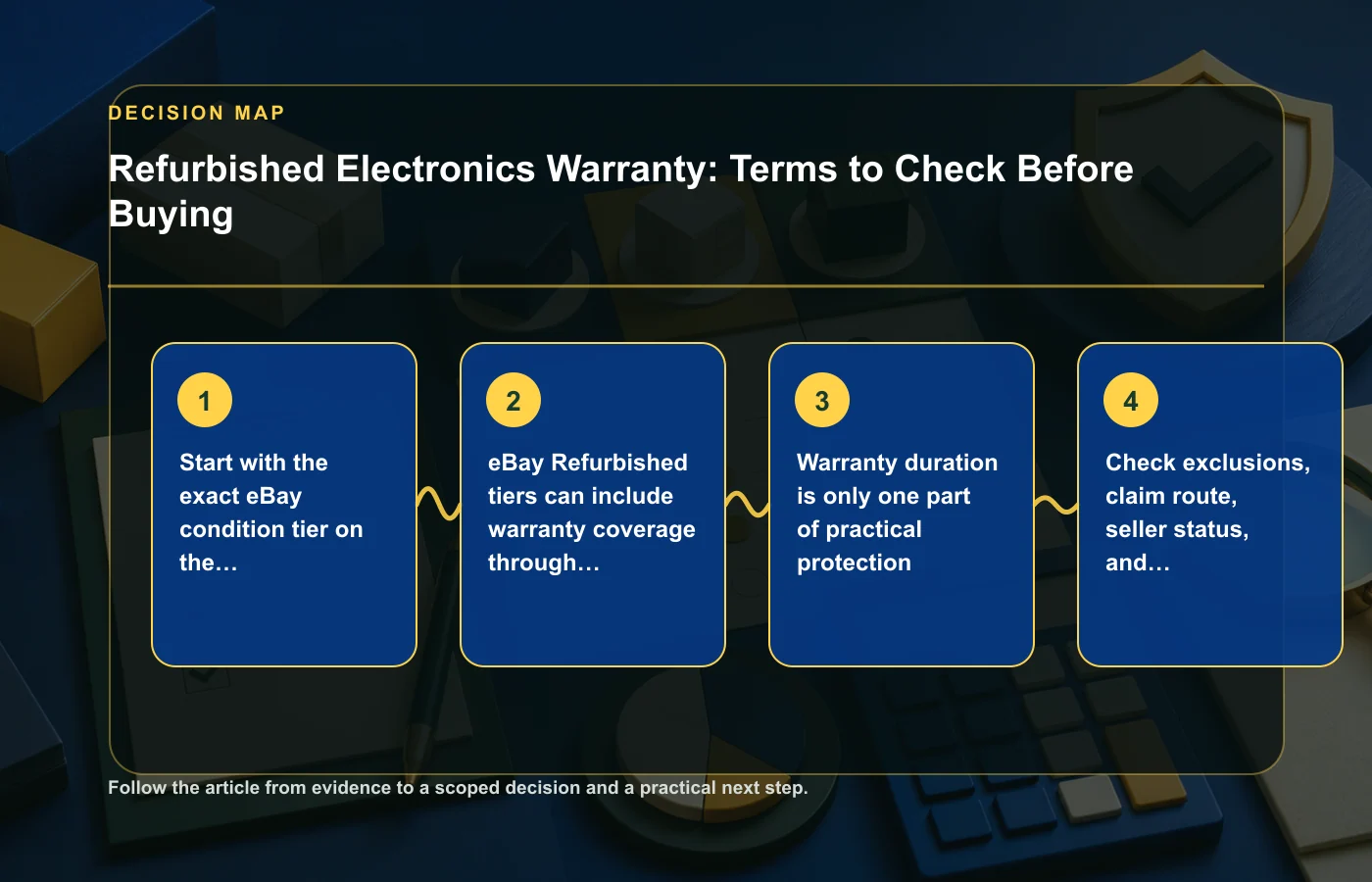
Start with the exact condition tier on the listing
Do not begin with a generic search result that says "refurbished." Begin with the exact listing and its condition field. Marketplace programs can distinguish certified, excellent, very good, good, seller-refurbished, open-box, and other states. The label determines which program rules may apply.
Save the condition description with the order. If a later claim depends on what was represented at purchase, the exact wording matters more than your memory of the product page. Condition is part of the transaction evidence.
Verify three layers
- The condition tier shown on the listing.
- The program definition for that tier.
- The seller's own description of the individual item.
If those layers conflict, do not assume the most favorable interpretation. Ask the seller or program support to clarify before purchase. For broader condition comparisons, the buying guides collection provides related frameworks.
Program-refurbished tiers can include warranty coverage
eBay's current program information indicates that qualifying eBay Refurbished products can include warranty protection through the program. The key word for a buyer is qualifying. Do not transfer that benefit automatically to every refurbished listing on the marketplace.
Check whether the exact item and seller are part of the relevant program. Then open the warranty terms instead of relying on a badge or summary. Record the provider, duration, coverage, exclusions, and claim route.
Separate product eligibility from seller wording
A seller may describe an item as refurbished without the listing being enrolled in a particular marketplace warranty program. Conversely, a program label may carry formal eligibility conditions that are not obvious from the product title. Use the listing's actual condition tier and program information as the source of truth.
If you are comparing refurbished with open-box or used condition, the condition comparison guide explains why these labels should not be collapsed into one category.
Warranty duration is only one part of protection
A warranty that lasts longer is not automatically more useful. Duration tells you when coverage exists; it does not tell you what failures are covered, who provides service, what evidence you need, or what remedy is available.
Read exclusions carefully. Batteries, accidental damage, misuse, cosmetic issues, accessories, or other categories may be treated differently under different programs. The source material does not establish a universal exclusion list, so verify the current terms rather than assuming another warranty's rules apply.
Read the warranty as a workflow
- A problem appears.
- You identify whether the problem is covered.
- You contact the specified provider through the required route.
- You supply proof of purchase, serial information, or other requested evidence.
- The provider applies the remedy allowed by the warranty.
If any step is unclear before purchase, note it. A long duration is less reassuring when the claim route is vague or impractical for your location.
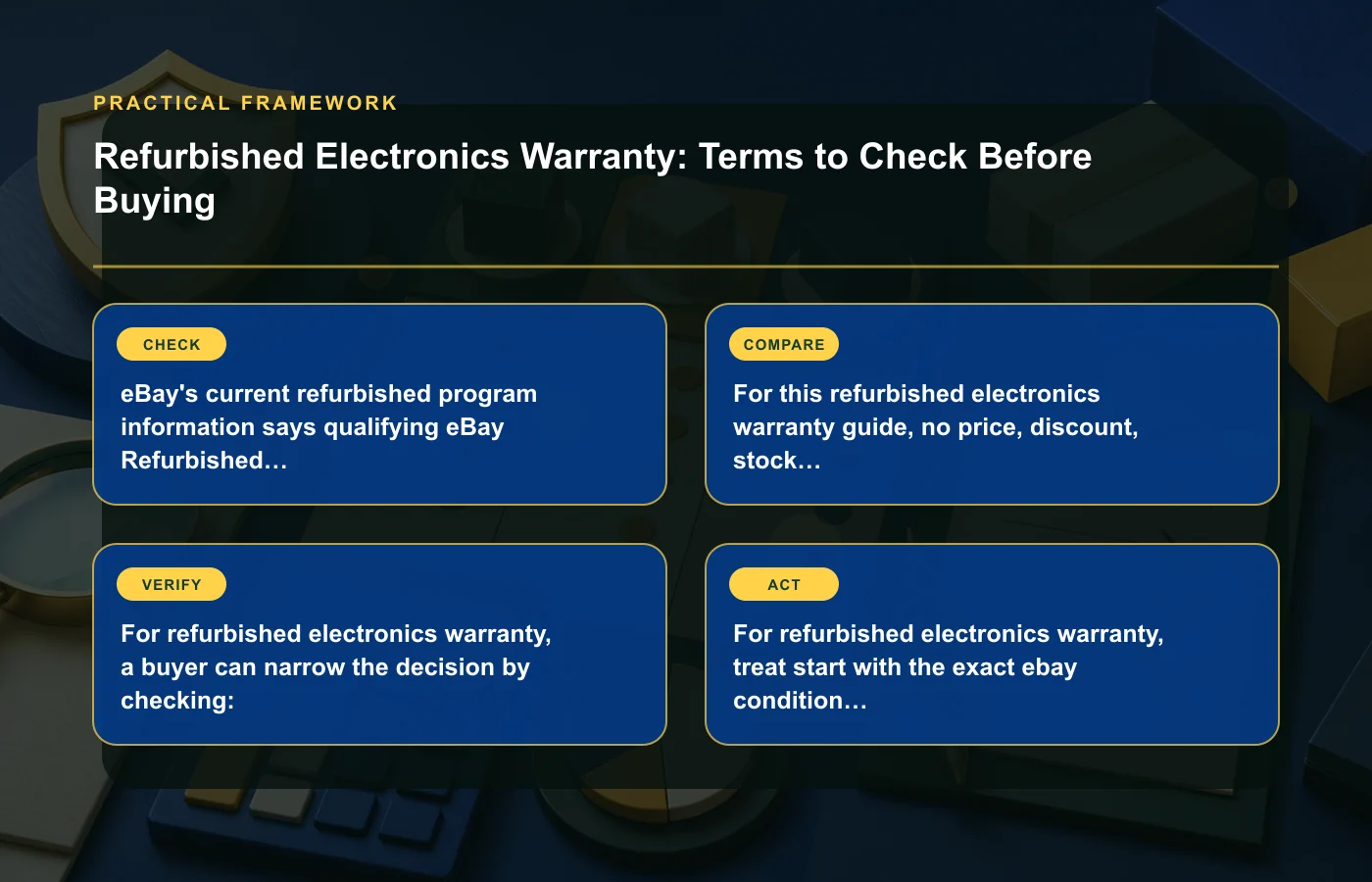
Check exclusions, claim route, seller status, and geography
Warranty coverage can depend on more than the device itself. Seller participation, shipping destination, buyer location, program status, and the type of defect can affect eligibility. That is why a generic statement such as "includes warranty" should be unpacked before checkout.
Verify whether the warranty provider serves your location and whether you must ship the item to a particular facility. If shipping is part of the claim process, check who arranges it and what documentation is required. Do not invent likely service costs; simply identify the responsibilities described in the current terms.
Keep a claim-readiness file
- Order confirmation.
- Saved listing and condition description.
- Warranty terms.
- Serial number or other product identifier.
- Seller identity and program tier.
- Any correspondence about condition or coverage.
This record is useful even if the product works perfectly. It reduces friction if you later need to show what was purchased and under which rules.
Returns and warranties solve different problems
A return policy is most valuable when the item arrives and is not what you expected, has an immediately visible problem, or simply does not fit your needs under the seller's return terms. A warranty is designed for covered failures during its stated period. The exact boundaries depend on the policies, but the two protections should be compared separately.
A generous warranty does not necessarily compensate for a restrictive return process, and a good return window does not replace longer-term coverage. Put both in your decision table.
Use the right protection at the right time
When the item arrives, inspect it promptly enough to use the return process if needed. Confirm model, accessories, cosmetic condition, basic function, and any easy-to-check specifications. If a covered defect appears later, follow the warranty process rather than assuming the seller return window still applies.
The renewed-versus-refurbished guide provides a broader explanation of why warranty provider and return terms can matter more than the condition label itself.
Save the listing, serial number, and condition description
Refurbished listings can disappear after inventory sells, and program pages can change. Your records should preserve the transaction you actually made. Save a copy or screenshot of the listing, the condition description, included accessories, seller identity, warranty summary, and return terms.
When the product arrives, record the serial number or other relevant identifier and keep it with the order information. If the model or configuration does not match the listing, address the discrepancy promptly rather than waiting for a later warranty issue.
Why evidence matters
A future claim may require proof that the item was eligible, purchased from a qualifying seller, or covered during a particular period. The source material does not promise which documents every provider will request, but maintaining clear records is a low-cost way to avoid depending on a page that may no longer be available.
Compare warranty quality, not just warranty presence
When two refurbished listings both say "warranty included," the comparison is not finished. Build a small matrix using the same categories: provider, duration, covered problems, exclusions, claim route, geographic eligibility, return window, and seller status.
| Field | Listing A | Listing B |
|---|---|---|
| Condition program | Record exact tier | Record exact tier |
| Warranty provider | Named provider | Named provider |
| Claim route | Current process | Current process |
| Return policy | Separate from warranty | Separate from warranty |
| Unclear items | Questions to confirm | Questions to confirm |
This method avoids giving the same value to two warranties that happen to share a duration but differ in the parts that determine how protection works in practice.
Run a warranty check before checkout
A warranty comparison works best when it is completed before the purchase rather than after a defect appears. Open the exact listing and the applicable program page in separate tabs. Confirm that the seller and condition tier shown on the listing are the ones covered by the warranty language you are reading. Then compare the transaction terms with your own non-negotiables.
- Identify the item: exact model, condition tier, and seller.
- Identify the program: confirm that the listing is actually enrolled or eligible.
- Identify the provider: note who is responsible for warranty service.
- Read the scope: coverage, exclusions, duration, and claim requirements.
- Check location: confirm that the terms apply where the item will be used and serviced.
- Check returns: record the separate seller or marketplace return window.
If the warranty page is generic and does not clearly connect to the listing, do not assume eligibility. Ask for clarification or choose an offer whose protection is easier to verify. A warranty should reduce uncertainty, not create a second layer of it.
Inspect the product while return rights are still useful
When the refurbished device arrives, compare it with the saved listing before treating the transaction as complete. Confirm the model and configuration, check the included accessories, record the serial number, review cosmetic condition against the stated tier, and test the basic functions relevant to your use.
This early inspection separates an immediate listing mismatch from a later warranty claim. If the wrong model arrived or a promised accessory is missing, the seller's return or order-resolution process may be the relevant route. If a covered defect appears later, the warranty process may apply instead. The exact policy controls, so use the saved terms rather than guessing which protection is stronger.
Create a short arrival record
- Date received.
- Model and serial identifier.
- Accessories received.
- Visible condition.
- Basic function checks completed.
- Any discrepancy reported to the seller.
The goal is not to perform a technical refurbishment inspection yourself. It is to document obvious facts while the transaction is recent and the return window is still relevant.
Do not price a warranty you cannot evaluate
Buyers often try to decide how much extra a better warranty is "worth." The source material does not provide a universal value, and the answer depends on the product, failure risk, service route, and your tolerance for inconvenience. Instead of inventing a dollar value, classify each warranty as clear, partly clear, or unclear across the fields in this guide.
A higher-priced refurbished listing with clearly documented coverage may be preferable to one with ambiguous protection, but that is a buyer judgment rather than a universal rule. Keep the difference visible and decide whether the reduction in uncertainty matters to you.
FAQ: Refurbished electronics warranties
Do all refurbished eBay items include the same warranty?
No. The source material says qualifying eBay Refurbished products can include warranty coverage through the program. Check the exact listing, condition tier, seller status, and current program terms.
Is a longer warranty automatically better?
No. Duration is only one factor. Compare provider, coverage, exclusions, claim process, shipping responsibilities, and geographic eligibility.
Why do I need the return policy if there is a warranty?
Returns and warranties address different stages and types of problems. A return window may help with an immediate mismatch or unsuitable purchase, while a warranty applies to covered failures under its own terms.
What should I save after buying?
Keep the listing, condition description, warranty and return terms, order confirmation, seller identity, and relevant serial information. Those records document what was promised at purchase.
How this page was prepared
Reviewed by My Deal Junction Standards Editor. Claims, terminology, and time-sensitive details were checked against the sources listed below and the page was last updated September 9, 2026.
AI-assisted tools supported research organization or drafting; editorial review remained responsible for source selection and the published conclusions.
Sources and verification
Primary and authoritative references used to verify this article: