
Noise-Cancelling Headphones Guide: Fit, ANC, Battery
Start with fit and passive seal, then compare ANC in your real environment, transparency, codec compatibility, calls, controls, and battery life with features configured as you use them.
- Desk
- Buying Guides
- Checked
- Sep 23, 2026
- By
- My Deal Junction Buyer Desk
Noise-cancelling headphones are easy to overbuy because specifications mix comfort, sound, wireless features, battery life, and active noise cancellation into one product story. The practical buying order is simpler: fit and passive seal first, ANC behavior second, situational-awareness needs third, then codec and battery details.
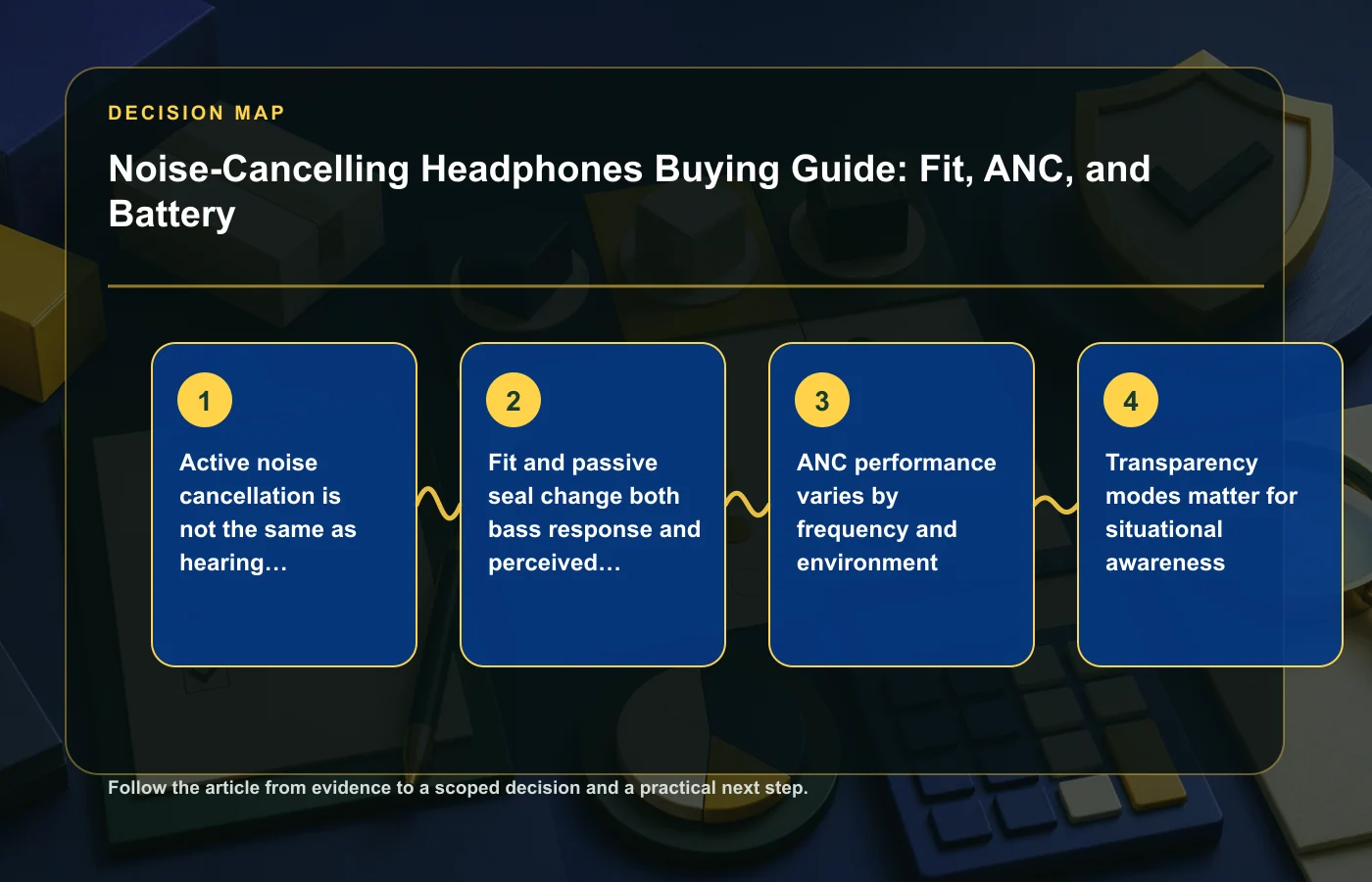
One safety distinction matters from the start. NIOSH explains that active noise cancellation is not the same as hearing protection unless a product is specifically rated as protective equipment. ANC can make an environment feel quieter, but that does not automatically make ordinary consumer headphones certified hearing protection.
| Buyer check | What to compare | Why it matters |
|---|---|---|
| Fit and seal | Ear-cup/pad fit, clamp, passive isolation | Changes comfort, bass response, and perceived isolation |
| ANC | Performance in the environments you actually use | Cancellation varies by frequency and noise type |
| Transparency | How easily outside sound can be monitored | Situational awareness may matter during travel or shared spaces |
| Codecs | What both headphone and source device support | A codec list is irrelevant if the source cannot use it |
| Battery | Claim with ANC/features configured as intended | Runtime changes with enabled features and usage |
Active noise cancellation is not hearing protection
ANC works by reducing perceived environmental noise through the headphone's active system, but ordinary ANC should not be treated as certified hearing protection. NIOSH's distinction is important in loud environments where actual protective equipment may be required.
For a buyer, that means the phrase "blocks noise" needs context. If the goal is comfort on transportation, in an office, or around steady background sound, ANC may be relevant. If the goal is protection from hazardous noise exposure, use properly rated protective equipment and current safety guidance rather than assuming consumer headphones provide that role.
Separate comfort from protection
- "Feels quieter" describes user experience.
- "Hearing protection" requires the relevant protective rating and use case.
- ANC performance should be evaluated as a headphone feature, not converted into an unsupported safety claim.
This distinction also keeps volume behavior in perspective. A quieter background may make listening more comfortable, but users should still manage playback levels responsibly.
Fit and passive seal change sound and isolation
Before comparing ANC algorithms, make sure the headphones physically fit. Ear pads, clamp force, headband shape, glasses, hair, and head movement can change the seal around the ear. A poor seal can alter bass response and reduce passive isolation, which in turn changes how the active system feels.
Comfort is also time-dependent. A headphone that feels fine for five minutes can create pressure or heat during a long flight or work session. If possible, test the exact model for a realistic period during the return window.
Run a fit checklist
- Do the pads fully surround or sit comfortably on the ears as designed?
- Does the headband create a pressure point?
- Do glasses break the seal noticeably?
- Does the headphone move when you turn or tilt your head?
- Can you wear it for the length of your normal session?
A strong feature set cannot rescue a fit that you avoid wearing. Treat comfort as a functional requirement, not a cosmetic preference.
ANC performance varies by frequency and environment
Noise is not one thing. Low, steady engine or HVAC-like sound is different from speech, sudden impacts, keyboard clicks, or changing street noise. ANC systems can perform differently across those patterns, so a single "noise cancelling" label does not describe every environment.
Define where you use headphones most: aircraft, train, office, home, street, or another setting. Then read manufacturer information and credible testing that matches that scenario when available. Avoid turning one result into a universal claim about all frequencies.
Compare the environments, not just the modes
If you split time between commuting and work, you may value different behavior in each setting. A model that is excellent against steady transport rumble might not suppress nearby voices to the same degree. That does not make it poor; it means the performance question needs to match the noise you want reduced.
For a broader buying framework around verifying the exact offer rather than the marketing headline, the price-history guide uses the same evidence-first principle.
Transparency modes matter for situational awareness
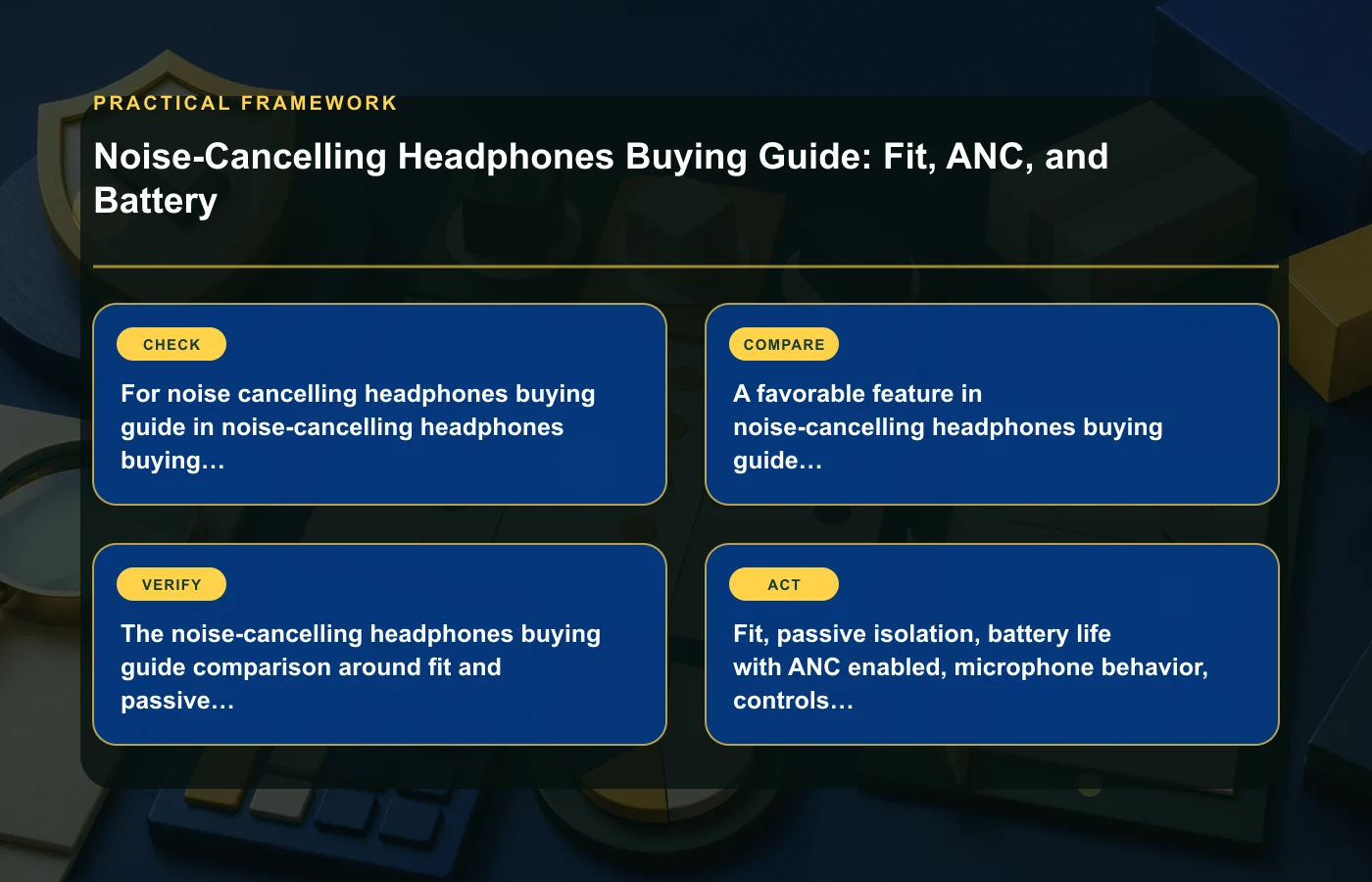
Sometimes the goal is not maximum isolation. You may need to hear announcements, a colleague, traffic, or someone speaking nearby. Transparency or ambient modes are designed to bring outside sound back into the listening experience, but their implementation can differ by model.
Check how easily the mode is activated and whether it fits the situations where you need awareness. A buried control or awkward gesture can be less useful than a simple button when you need to switch quickly.
Define your awareness moments
- Airport or station announcements.
- Walking in environments where outside sound matters.
- Short conversations without removing the headphones.
- Shared office or home situations.
Transparency mode should not be treated as a substitute for attention to surroundings. It is a convenience feature that changes what the microphones feed into the headphones, not a guarantee that every external cue will be obvious.
Codec lists matter only when the source can use them
Wireless headphone pages often devote substantial space to codec support. That information matters only when both the headphones and the source device can use the same codec under the connection you intend. A premium codec on the headphones adds no practical value if your phone, laptop, operating system, or app path does not support it.
Start with your real devices. Check their supported Bluetooth audio options, then compare the overlap with the headphones. Also remember that connection stability, microphone behavior, app features, and multipoint needs may matter more to your workflow than a longer codec list.
Build a compatibility matrix
| Source | Connection | Feature to verify |
|---|---|---|
| Phone | Bluetooth | Supported codec overlap and app controls |
| Laptop | Bluetooth or wired | Audio/microphone behavior for calls |
| Tablet | Bluetooth | Switching or multipoint needs |
| Other source | Wired/wireless as applicable | Connector and feature compatibility |
The condition guide becomes useful if you consider refurbished headphones, because battery condition, accessories, and warranty should be checked separately from codec compatibility.
Battery claims depend on ANC and feature settings
Battery life is usually published under a particular test configuration. ANC, transparency, voice assistants, high-quality wireless modes, call use, and other features can change actual runtime. The useful comparison is the manufacturer's claim that most closely matches how you plan to use the headphones.
Do not compare one brand's "up to" number with another brand's result if the feature settings differ. Note whether ANC is on or off, whether the figure is for continuous playback, and which other assumptions are stated.
Plan for the longest real session
Ask whether the headphones can cover your longest normal use without becoming a charging problem. A frequent traveler may care about a long journey; an office user may care about a workday; an occasional listener may be satisfied with much less.
- Expected hours per session.
- ANC on or off.
- Call time if relevant.
- Charging method available during use.
- Quick-charge feature only if the exact model documents it.
If battery life is critical, leave margin rather than sizing your purchase around the most optimistic claim.
Microphone and call behavior deserve a separate test
Headphones can sound good for music while behaving differently during calls. Microphone pickup, sidetone, Bluetooth profile behavior, app settings, and the source device can all affect the call experience. If meetings are a major use case, test them directly instead of assuming audio-playback quality predicts microphone quality.
Use the laptop or phone you actually work with. Check how the headphones switch between music and calls, whether controls are easy to reach, and whether the microphone behaves acceptably in your normal room. The source material does not provide a universal microphone ranking, so treat this as a buyer test.
Include multipoint only if your workflow needs it
Switching between a phone and laptop can be useful, but implementation varies. If you rely on two devices throughout the day, test the handoff. If you use one source almost exclusively, multipoint should not outrank fit, ANC, and battery simply because it appears on the feature list.
Check controls and app dependence
Modern headphones can depend on companion apps for ANC levels, equalization, button mapping, updates, or device management. Decide which features you need to work without opening an app. A core control such as play/pause, volume, ANC, or transparency may be more convenient on a physical button or touch surface if you use it frequently.
Also check update support and account requirements. The source article does not establish one correct app model, so evaluate the tradeoff: more software control can add customization while creating another dependency.
For general buyer comparisons where the exact model and terms matter, the buying guides collection provides related decision frameworks.
Build a headphone shortlist from use cases
Before price enters the comparison, rank your use cases. A commuter may put ANC and portability first. A remote worker may care more about all-day comfort, microphone behavior, and switching between devices. A home listener may prioritize fit and sound while caring less about transparency mode.
| Requirement | Priority | How to test |
|---|---|---|
| Fit/comfort | Must-have | Realistic wear session |
| ANC | Your priority | Relevant noise environment |
| Transparency | Your priority | Announcements/conversation scenario |
| Codec compatibility | Only if source supports it | Device compatibility check |
| Battery | Must cover longest session | Claim under intended feature settings |
| Calls | If important | Actual phone/laptop meeting |
Once candidates pass that matrix, compare price, warranty, return policy, and current availability. This prevents a discounted model from winning despite failing the reason you wanted noise-cancelling headphones in the first place.
Use the return window as a real-world fit test
Headphones are unusually personal products because fit, clamp, pad heat, seal, control placement, and ANC comfort are difficult to predict from specifications. After purchase, test the exact pair in the situations that drove the decision while the return policy is still relevant.
- Wear them for a normal-length listening or work session.
- Test ANC in your regular background-noise environment.
- Switch to transparency in a situation where awareness matters.
- Make a call from the source device you actually use.
- Check switching, controls, and app behavior.
- Observe whether the battery comfortably covers the session with your preferred features enabled.
If the headphones pass the technical comparison but create pressure, poor seal, or frustrating controls, treat that as a real fit failure. A feature list cannot compensate for a product you do not want to wear. Save the return terms before testing so you know which types of use are permitted while you are still deciding whether to keep the product for regular long-term daily use.
Keep your notes so future replacements can be compared against the same real use cases.
FAQ: Noise-cancelling headphones
Does ANC protect my hearing?
Do not assume so. NIOSH distinguishes ordinary active noise cancellation from hearing protection. Use properly rated protective equipment when hearing protection is required.
Why does fit affect ANC?
Fit changes the passive seal around the ear, which affects both isolation and sound response. Glasses, pad shape, clamp, and head movement can all change that seal.
Do I need the "best" Bluetooth codec?
Only if your source device supports and uses it, and if it matters for your use. Codec overlap is more important than the length of the headphone's codec list.
How should I compare battery-life claims?
Match the conditions: ANC state, enabled features, connection mode, and the manufacturer's test assumptions. Then judge whether the result comfortably covers your longest normal session.
How this page was prepared
Reviewed by My Deal Junction Standards Editor. Claims, terminology, and time-sensitive details were checked against the sources listed below and the page was last updated September 23, 2026.
AI-assisted tools supported research organization or drafting; editorial review remained responsible for source selection and the published conclusions.
Sources and verification
Primary and authoritative references used to verify this article: